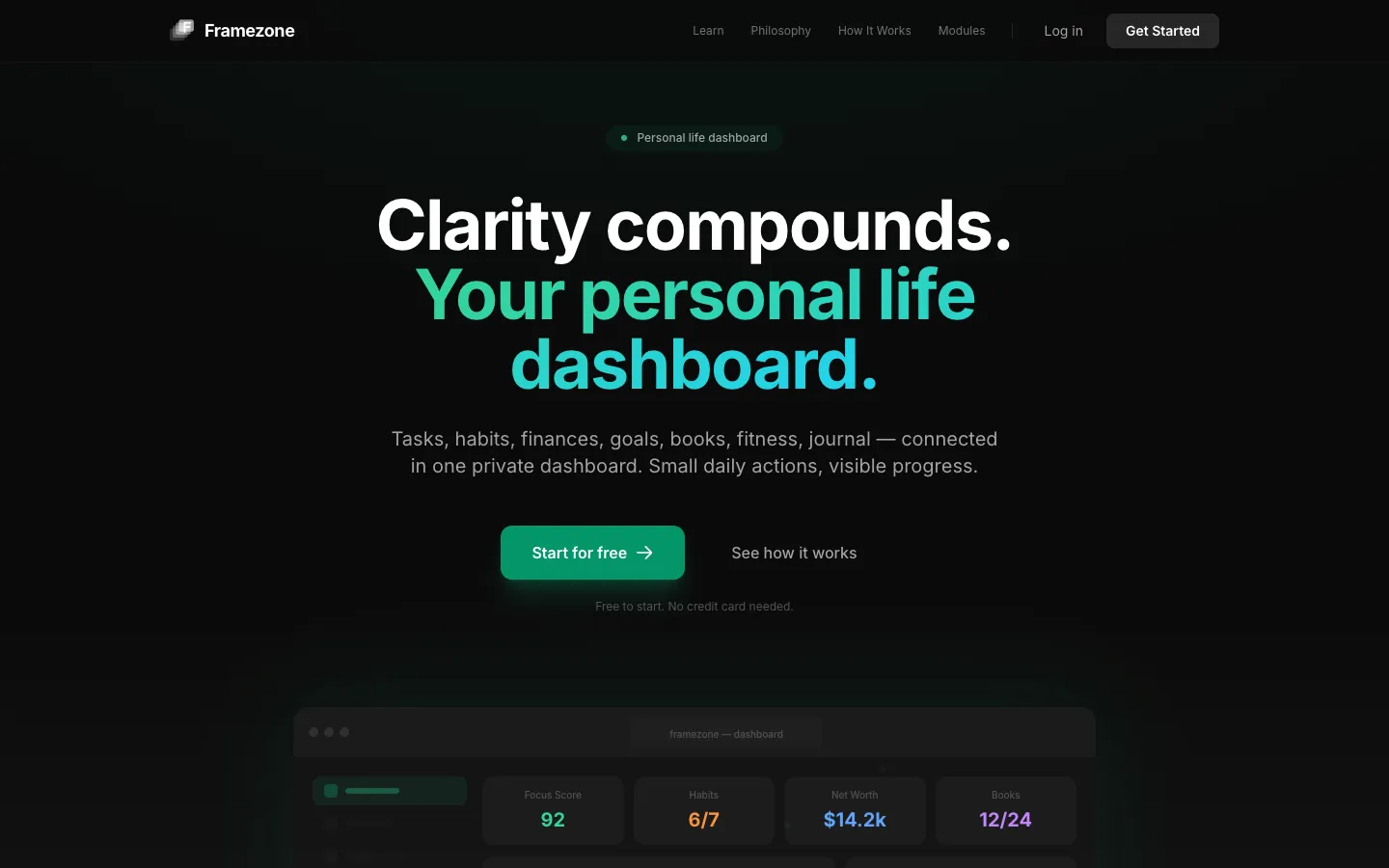
Framezone: A Life Dashboard Your AI Assistant Can Use
Framezone is our own product: one private dashboard for tasks, habits, goals, money, fitness, reading and a journal. It also has an MCP server with 62 tools. MCP is a standard way for AI assistants to connect to apps. So Claude, ChatGPT, Cursor and other MCP clients can read and update the account when the user asks.
- Project
- SaaS product
- Our role
- Own product, end-to-end
- Platform
- Laravel
- Country
- Global
- Year
- 2026
The challenge
A life spread across five apps
Tasks live in one app, habits in another, spending in a spreadsheet and workouts somewhere else. None of them can see the others, so a weekly review means opening all of them and adding it up by hand.
Too much setup before any help
All-in-one tools tend to ask people to configure everything before they get any value. Most give up before the dashboard is useful.
AI assistants cannot see your data
People already ask AI assistants to plan their day, but the assistant has no access to their real tasks, habits or budget. Any access had to be clear, asked for first, and limited to what the user approves.
Our approach
Five areas, one account
Framezone groups its modules into five areas: plan your day, habits and goals, money, health and fitness, and reading and notes. They share one account, so goals link to habits and projects. A weekly review fills itself in from tasks done, habits kept, focus time, spending and training. Contacts, a portfolio, bookmarks, a wishlist, workspaces, achievements and data export come with every account.
Start with one thing
At sign-up, the app asks which area you want to start with. It shows only that area, so you add your first item straight away. On the homepage, visitors can try a demo without signing up. They can write their Top 3 and start a focus timer, saved only in their browser.
An MCP server across every area
The server is built on Laravel MCP. It offers 62 tools across tasks, projects, habits, goals, focus, journal, notes, books, fitness, finance, portfolio, contacts and more. Users approve the connection and choose whether the assistant can read, write or delete.
Plain about security
The app and database run on a DigitalOcean server in Germany behind Cloudflare, with HTTPS and HSTS. Bank, Google and AI keys are stored encrypted, and the database is backed up every night. The security page also lists what is not in place yet, such as end-to-end encryption and an outside security audit.
Screens
Inside Framezone
How we delivered
From first brief to running in production
-
01
DesignProduct structure
We grouped the modules into five connected areas and an onboarding that starts with just one of them.
5 areasWeekly reviewOnboarding -
02
Laravel app
DevelopmentWe built tasks, habits, goals, money, fitness, reading, journal and the extra modules on one Laravel codebase.
LaravelAlpine.jsTiptap -
03
MCP server
AIWe opened the account to MCP clients through 62 tools. Users approve what the assistant may read, write or delete.
Laravel MCP62 toolsPermissions -
04
Hosting & security
LaunchWe host in the EU behind Cloudflare, store keys encrypted and publish exactly what is and is not in place.
DigitalOcean DECloudflareNightly backups
Results
What is running today
Live in early access
Framezone runs on framezone.app and is free during early access, with every module and the MCP connector included. Paid plans are announced on the pricing page and billed through Creem.
Works with the assistants people already use
A dedicated MCP page shows the 62 tools by area, example questions and a two-minute setup for Claude, ChatGPT, Cursor and VS Code.
Pages for every way in
There are feature pages for each area and use-case pages for students, freelancers, fitness and AI users. There are also 4 comparison pages and 3 free planning tools (an Eisenhower matrix, a weekly review template and a wheel of life). They explain the product to people who arrive with one specific need.
More work
Other things we built and run
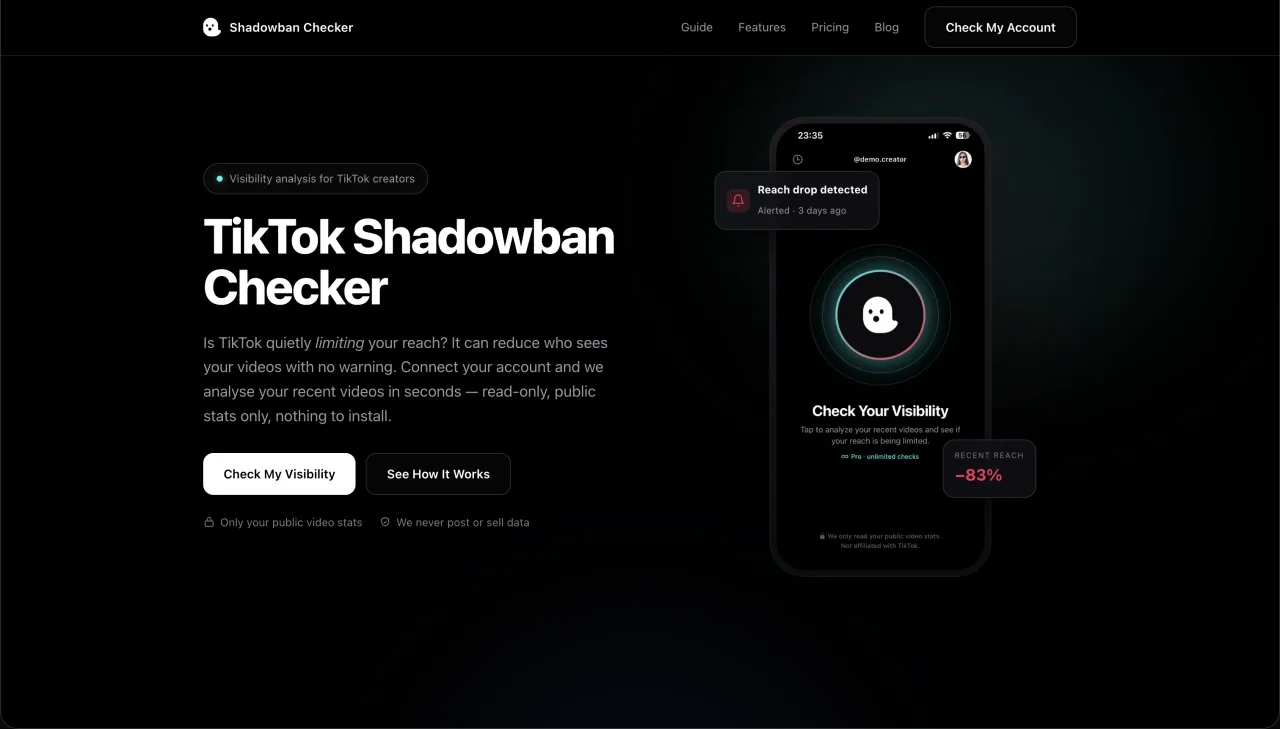
Shadowban Checker
Shadowban Checker is our own product. Creators connect their TikTok account with TikTok's official login, and we read the numbers of their recent videos and return a 0 to 100 risk score with the warning signs we found. It runs as a web dashboard in 6 languages.
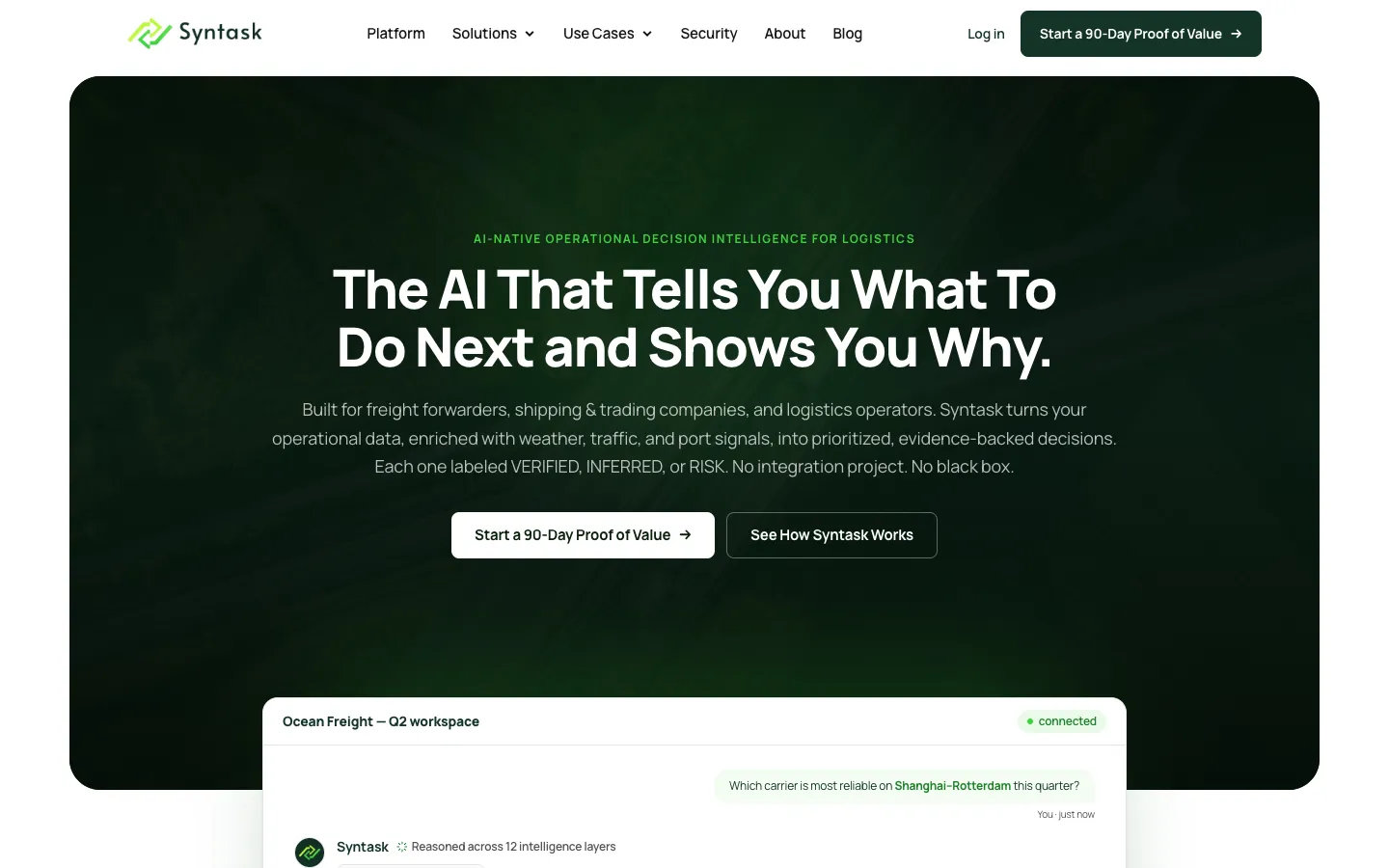

Syntask
Syntask is a Finnish startup that helps logistics teams make better decisions (decision intelligence). It needed its website to match a sharper position. We replaced an Elementor WordPress site with a Laravel build. It has pages for each buyer group and use case, the old blog moved over, a custom admin for posts and leads, and one clear next step for buyers.
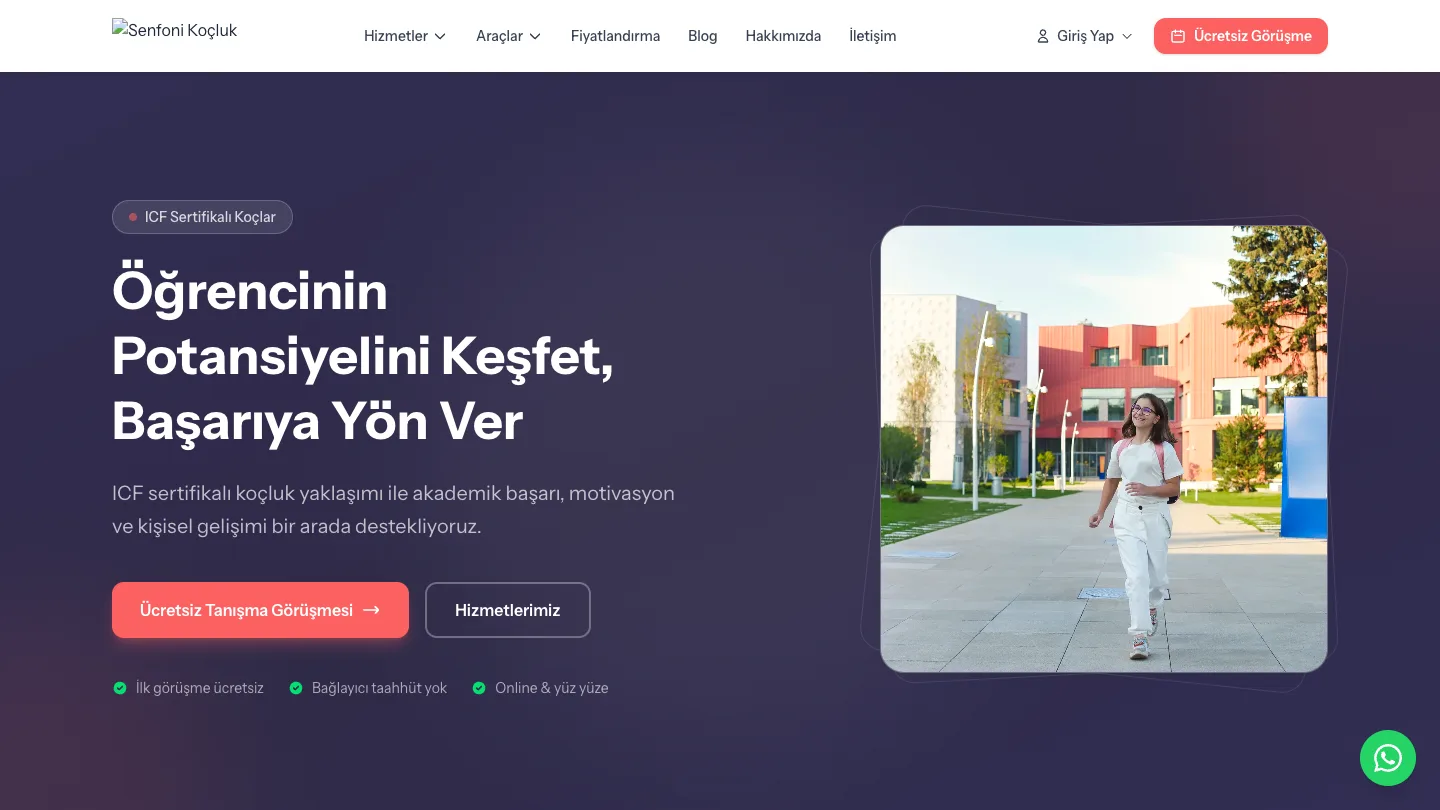

Senfoni Koçluk
An Istanbul student-coaching practice ran on WhatsApp, spreadsheets and memory. We built one Laravel platform that covers the public site and free exam tools, portals for students and parents, and the coach's back office: exams, schedules, sessions and payments.