
Launch day is where good builds go wrong.
We plan it like the rest of the work. Going live, switching hosts or replacing a platform. We write a switch-over plan for hosting, domain settings, email, data, redirects and app store review, so customers keep ordering.
A new brochure site on a fresh domain? Your host's setup guide is enough.
Switch-over plan · before launch day
What it is
The move itself, planned so customers keep ordering
Reactll handles launches and migrations for websites, stores, platforms and mobile apps: going live for the first time, moving to a new host, or replacing an old platform with a new one.
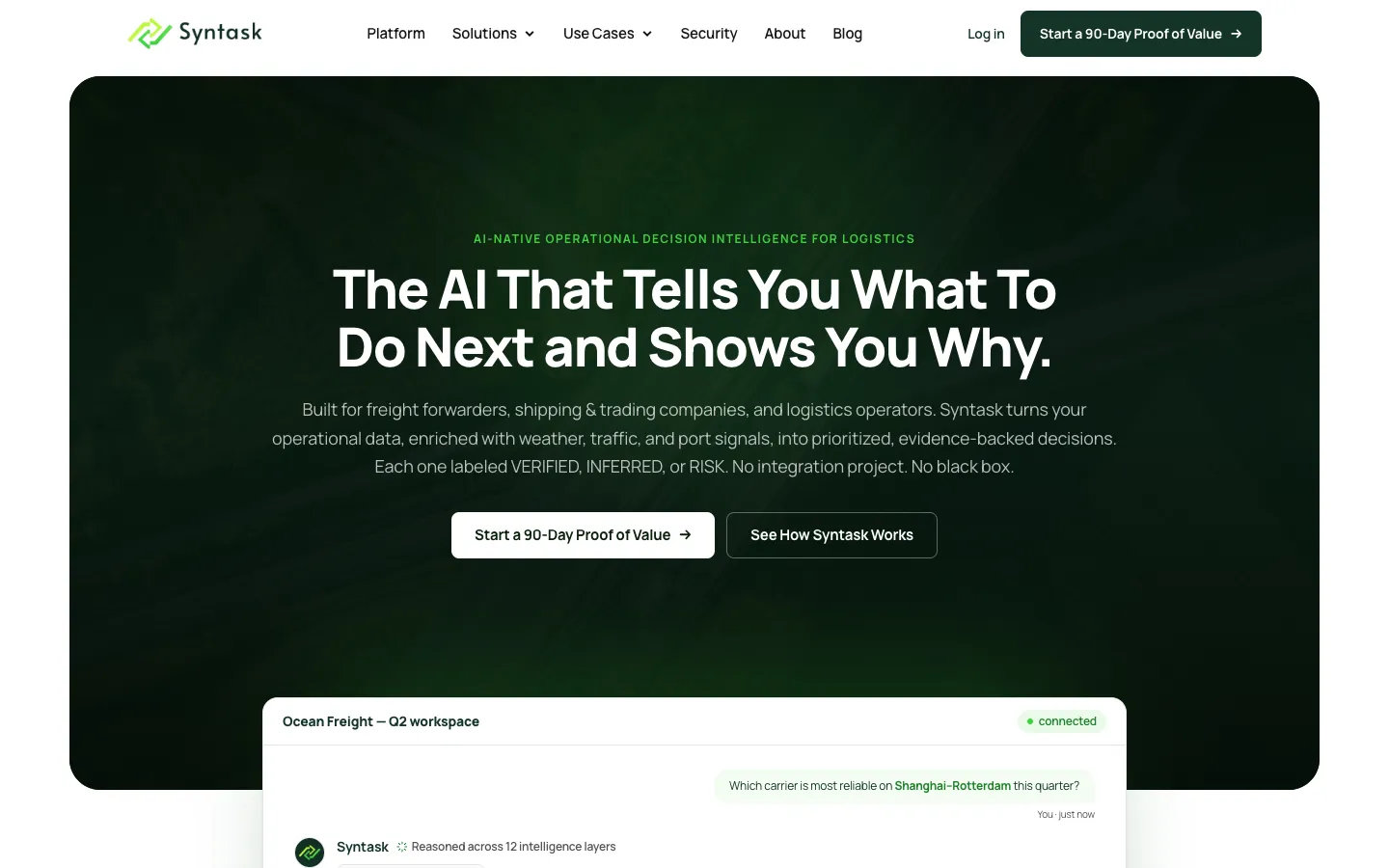
You get a switch-over plan covering hosting, domain settings, email, data, redirects, app store submission and handover, so customers keep ordering and your email keeps arriving. We moved Syntask from Elementor WordPress to a Laravel rebuild with its 120+ article blog intact. We still run most of what we launch, so we plan like the people who will be on call the week after.
It fits when you are launching something we built, or something another team built that needs a careful go-live. It fits when you are switching hosting providers, or moving to a rebuilt platform once the rebuild is done. And it fits when the site takes orders, bookings or leads, so even an hour of broken forms or email costs money. The domain, hosting, app store accounts and code end up owned by your business, with a written record of what is where.
It is not a fit for a new brochure site on a fresh domain with no email, traffic or old URLs: your hosting provider's setup guide is enough. And if the system is broken or half-built and cannot go live as it is, a launch plan will not fix it. Start with Project Rescue, then launch.
Launch & Migration is the move itself. Maintenance, Security & Hosting keeps the system healthy afterwards. Takeover & Handover is for understanding a working system whose developer left. Legacy Modernisation replaces old technology, and ends in the switch-over this page covers.
All at once or in stages. One switch-over is simpler for small systems. Larger platforms move section by section, and the old system keeps running until each new part is proven.

The switch-over
Launch day is one step of four, not the whole plan
A written step-by-step plan: the order of steps, who does what, how to go back if something fails, and the launch time. All agreed before launch day.
-
Weeks before
Inventory and Map
We list the domain, its settings, email, hosting, third-party services and who holds each login. Each old URL is matched to its new page in a redirect list.
-
Days before
Rehearse on Staging
A full practice move on a test copy (staging), with redirects, forms and emails tested all the way through. We also rehearse going back once. A day or two ahead, we shorten how long the internet caches your domain settings (DNS TTL).
-
Launch day
Cut Over
At an agreed quiet time. Email records move first, before the domain settings. Then a last copy of new orders and data, then the switch.
-
Week after
Watch and Hand Over
We watch errors, broken links (404s), email delivery and orders. We check Google is indexing the live domain, and move the accounts into your name.
What the plan covers
Everything it relies on, listed and tested before the switch
DNS and Email Switch-Over
We list every domain setting (DNS record) first and carry over the email records (MX, SPF, DKIM, DMARC). Then we switch, so your email keeps arriving.
Data and Content Migration
Pages, products, customers, orders and media move with scripts we can run again safely. A last copy picks up anything created during the switch.
Redirect Map
Every old URL that earned visits or links gets a permanent (301) redirect, including old PDFs, images and URLs with parameters. Tested before launch and watched after it.
App Store Submission
We prepare the listings, privacy details, notes and a demo account for the store reviewers. Then we submit the app to the App Store and Google Play under your accounts.
In production
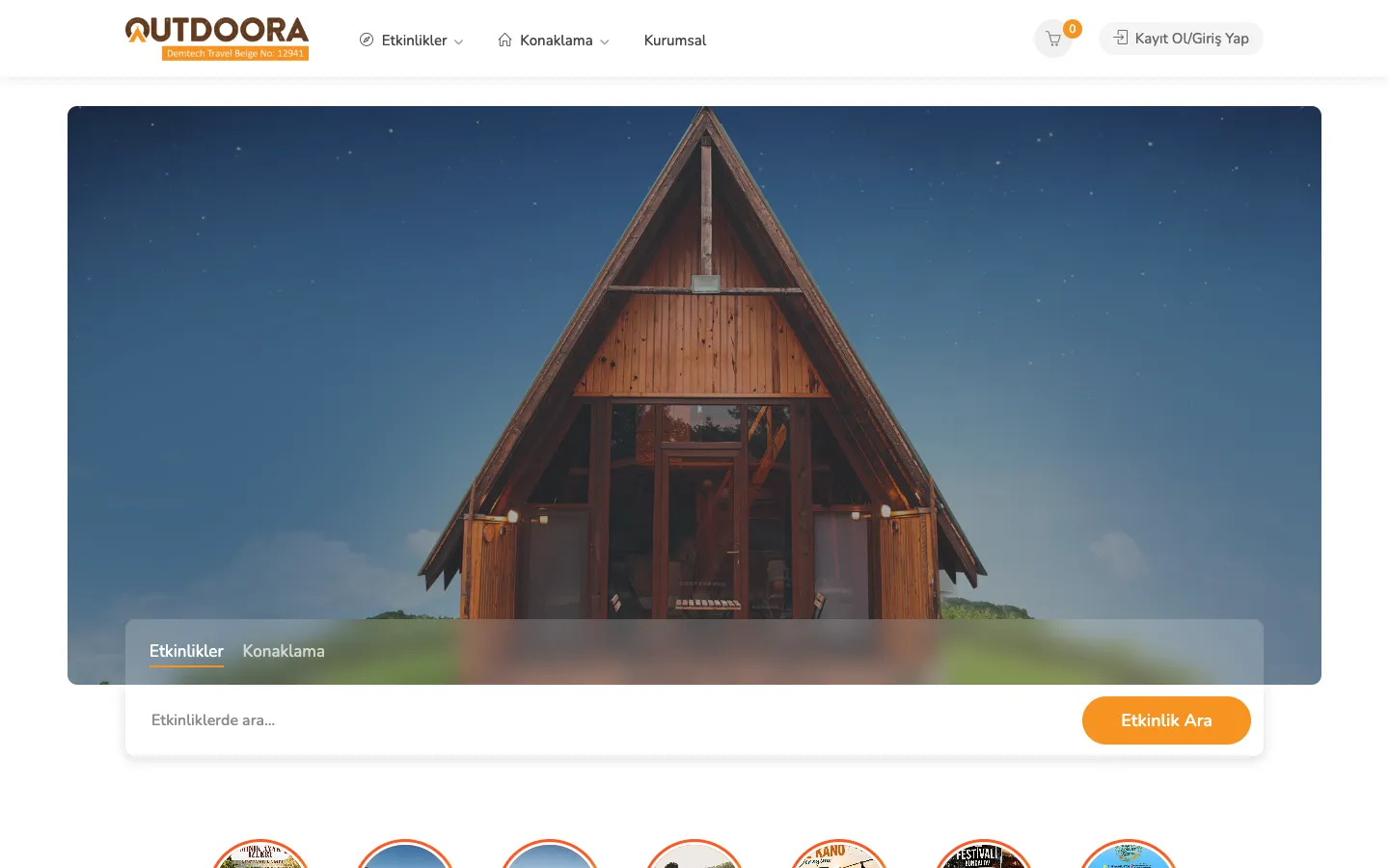
Sites, stores and apps we have taken live





FAQ