
Everything is in my head, a WhatsApp group and three spreadsheets.
Only one person knows where things stand, so every new hire needs weeks of shadowing.
Staff, clients and partners, each with their own view. Web systems where staff, clients, partners or suppliers each sign in and see their own part of the same records, connected to the accounting, CRM or store you already run.
Want to replace your ERP outright? Keep it as the main home of your data, and let us build the layer on top.
Honest before clever
Next in Build
Customer Assistants
Answers on your site, WhatsApp and phone, from your own information.
What it is
Custom platforms and portals are web systems where staff, clients, partners or suppliers each sign in and see their own part of the same records.
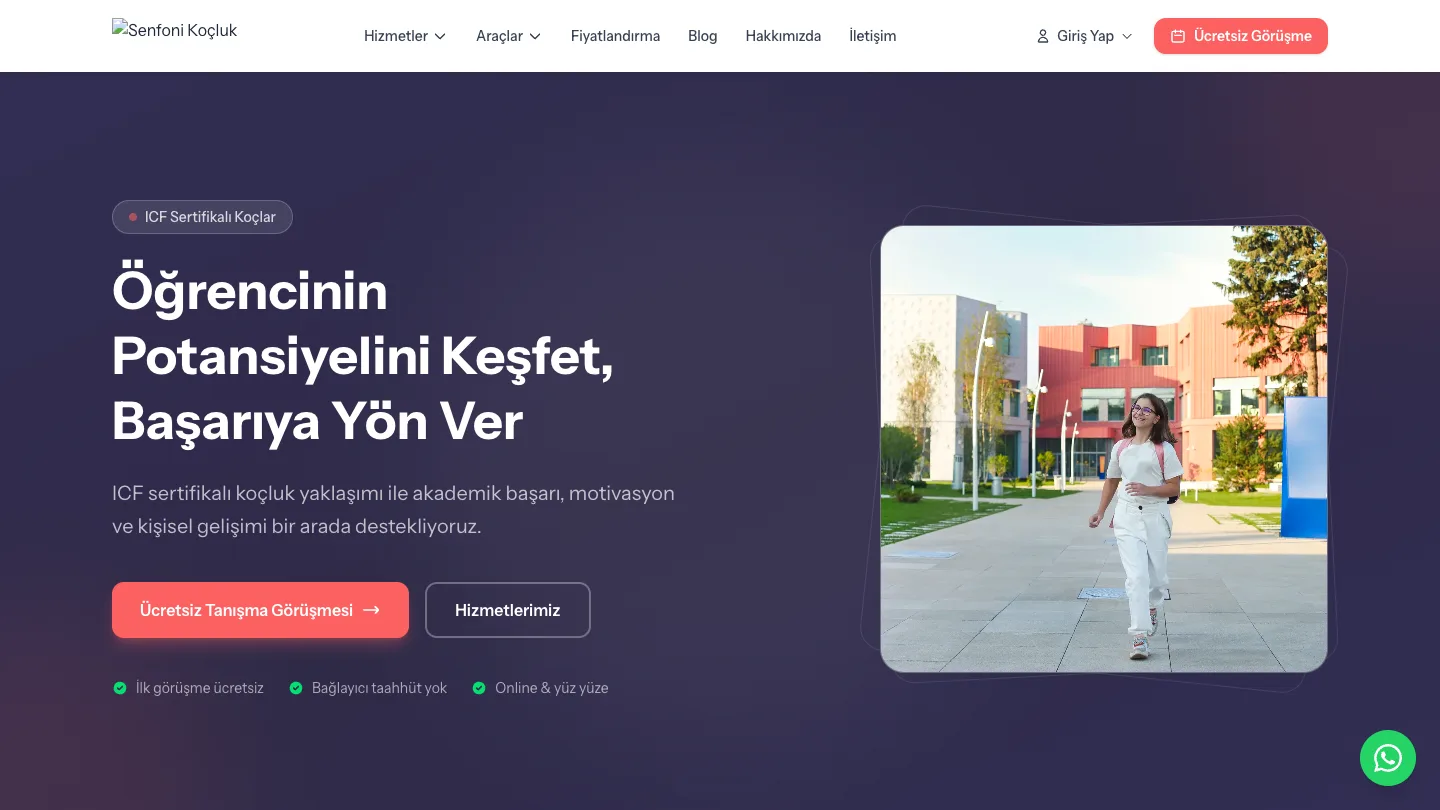
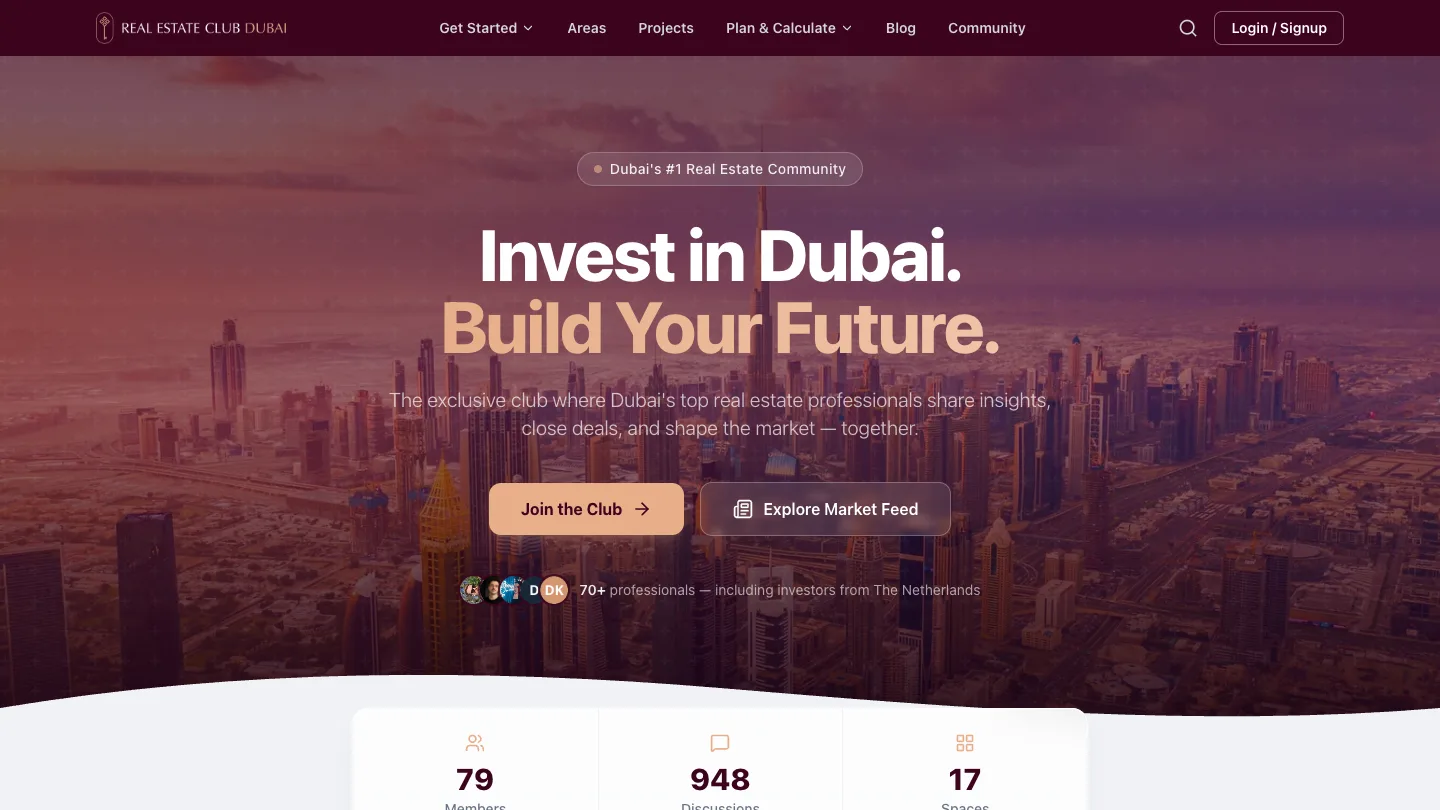
You get one current version of every record and a history of who did what. It connects to the accounting, CRM or store you already run. We build these on Laravel and still run them, including the Senfoni Koçluk platform with four user roles and our own Real Estate Club Dubai.
Custom Platforms & Portals is for systems where several kinds of users share the same records. Buyers and sellers trading is Marketplaces. Time slots are Booking & Reservations. Reports on numbers you already have are Dashboards & Reporting. Moving data between systems by fixed rules is Process Automation & Integrations.
A subscription wins when your process looks like everyone else's. A build wins when the process sets you apart, or when paying per user makes client access too expensive. Sometimes the honest answer is ‘keep the SaaS, build only the portal’.

What we already know
01
‘Clients see their own data’ turns into a dozen rules in week one, so we work those cases out before drawing screens.
02
Portals need invitations that expire, a way to switch users off without losing their history, and a way to hand an account to someone else.
03
Duplicates, merged cells and notes in the price column need cleaning, and that needs time in the budget.
04
Turkish characters such as ş, ğ and İ need embedded fonts, so we test with real data.
Where this usually starts
Only one person knows where things stand, so every new hire needs weeks of shadowing.
The answer exists, just not anywhere they can see it, so someone looks it up and replies by hand.
Every hand-off between the tools is someone copying data across by hand.
 After
After
Is it for you

Keep the ERP or accounting system as the main home of your data. The platform is the layer on top.
If it changes every week, write it down first. Software will freeze the confusion rather than fix it.

How a job starts here
The same engineers who build it keep running it after launch.
Each step and handover becomes a map of your data, a table of who can do what, and a list of systems to connect.
We connect your existing systems before building screens, because that is where the surprises are.
Staff use it on real cases before any outside access opens.
One team or one group of clients first. Access widens once the unusual cases are handled.
In production
FAQ
Tell us who needs to see what: staff, clients, partners or suppliers. We will talk through one system on top of the tools you already run.
Step 1 of 2
Two quick steps: what is going on, then where to send our reply. An engineer reads it and tells you honestly if we are not the right fit.
Which of these is closest?
Two steps. We ask for an email on the next one.
An engineer reads it and replies within one working day, by email to . We just sent a copy of your message there.
Essential cookies keep the site working. Analytics cookies are set only if you accept: our own visit counter and, if you came through a link in an email from us, a link between your visits and your contact record, so our team can see what you read. Accepting also lets us remember your industry and which notices you have already seen. Otherwise visits are counted without cookies and without storing your IP address. You can change your choice at any time under Cookie Settings in the footer. Cookie Policy
Before you go — have a system that's stuck, or needs AI?
We build what's missing, add AI where it really helps, and keep it all running.