The restaurant changes every week. The site should keep up. Menus, hours and forms, kept current.
Menu and price changes, holiday hours that match Google, festive pages, forms tested every month and a fast site. Done every month by people who know your site.
Care from €49 a month · cancel with 30 days’ notice
 Forms tested every month

Kept current
The menu, the hours and the forms on your site are right every week, not only the week it launched.
No more last season’s menu
2018
Building and running live software since
11
Menu sections Snapper’s staff can edit themselves
Daily
Off-site backups, with restores we have tested
3
Cities: Istanbul, Amsterdam and Miami
What we usually hear
What restaurants usually tell us, and what we do first
“The seasonal menu is still last season’s.”
Send us the new menu and it goes live, or your staff edit it themselves.
Seen in: Restaurants & Cafés
“Holiday hours differ between Google and the site.”
Hours updated on the site the day they change, so they match Google.
Seen in: Restaurants & Cafés
“Nobody has checked the booking form in months.”
Forms tested every month, so a broken one is found before a guest finds it.
Seen in: Restaurants & Cafés
“The person who built the site is gone.”
We recover the logins for the site, domain and hosting, and move them into your name.
Seen in: Restaurants & Cafés
“The site is slow on a phone.”
Images and plugins made lighter, so the menu opens quickly in the street.
Seen in: Restaurants & Cafés
What you get
Six things every month, done by people who know your site
Menu and price changes
Send us the change and it goes live, or your staff edit it themselves and we handle what they cannot.
Hours that match everywhere
Opening and holiday hours updated on the site the day they change, so they match Google.
Seasonal pages and events
Festive menus, set menus and private-dining pages added before the season, not after.
Forms tested every month
Table and private-event forms are tested, so a broken one is found before a guest finds it.
Updates and backups
Updates tested on a copy first, daily backups on another server, and the site checked every five minutes.
Fast on a phone
Images and plugins kept light, so the menu opens quickly on a phone in the street.
Who it is for
For restaurants that change through the year
A good fit
The site goes out of date quietly.
Menus, hours and offers change through the year, and nobody on the team has time to keep the site in step.
- Your menu, hours or events change through the year.
- Nobody on your team has time to update the site.
- You want someone who checks the forms and keeps the site fast.
 Restaurants · Cafés · Bars · Groups of venues
Not a fit yet
A site that never changes?
A yearly check is enough, and we will say so.
Come back when the menu starts changing.
Needs rebuilding first?
A PDF menu and broken forms need fixing before they can be looked after.
Start with Menus & Table Requests.How a handover runs
Access and a backup first, then the monthly routine
-
Step 01
Recover access and back up
We get the logins for the site, the domain and the hosting in order, and store a full backup somewhere safe.
-
Step 02
Review the site
Menu, hours, forms and speed, written up: what is out of date, what is broken and what is fine.
-
Step 03
Bring it up to date
Current menu and hours, working forms and a faster site, before the next season.
-
Step 04
Keep it current every month
Changes when you send them, forms tested, updates, backups and checks, with the same people every month.
In production
Restaurant sites we have built
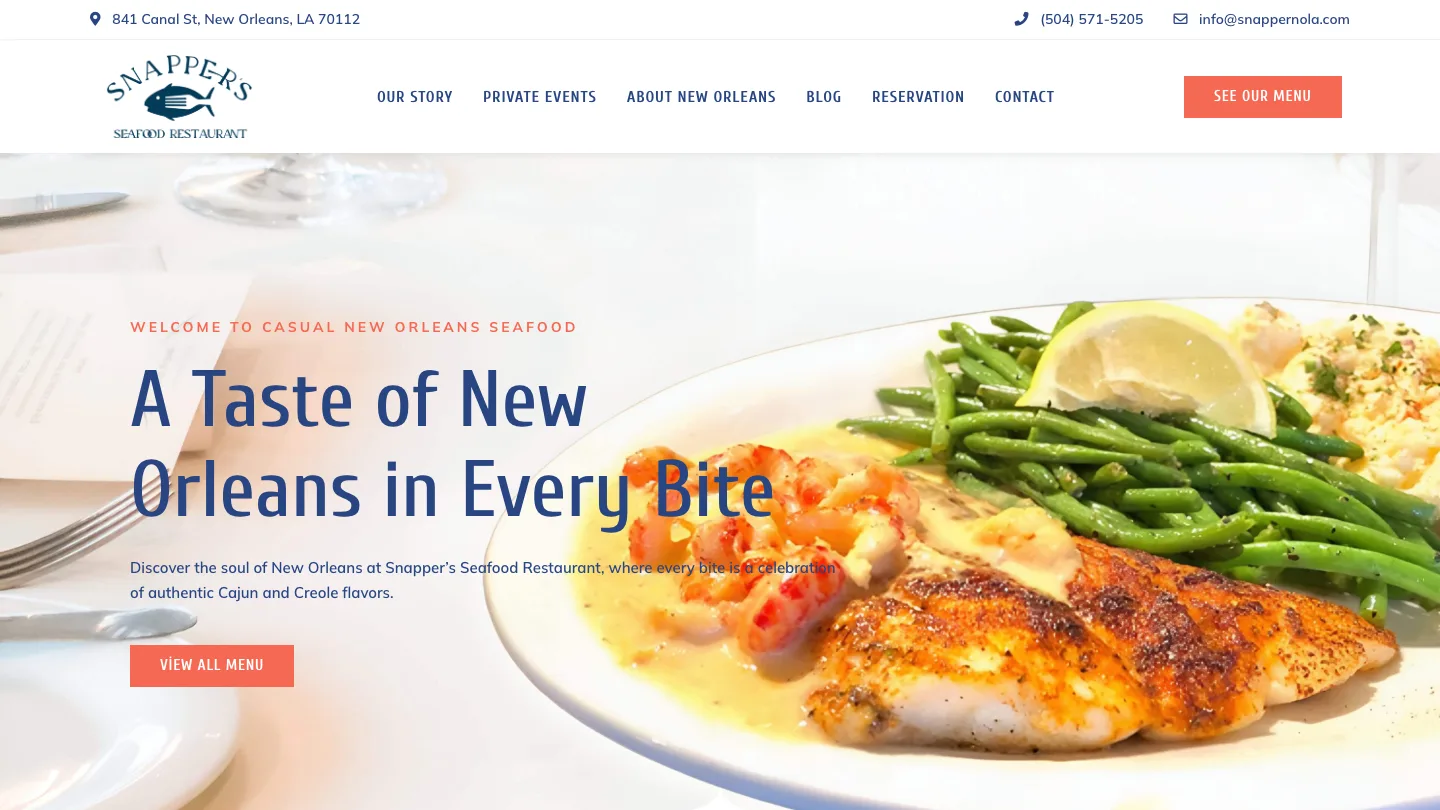

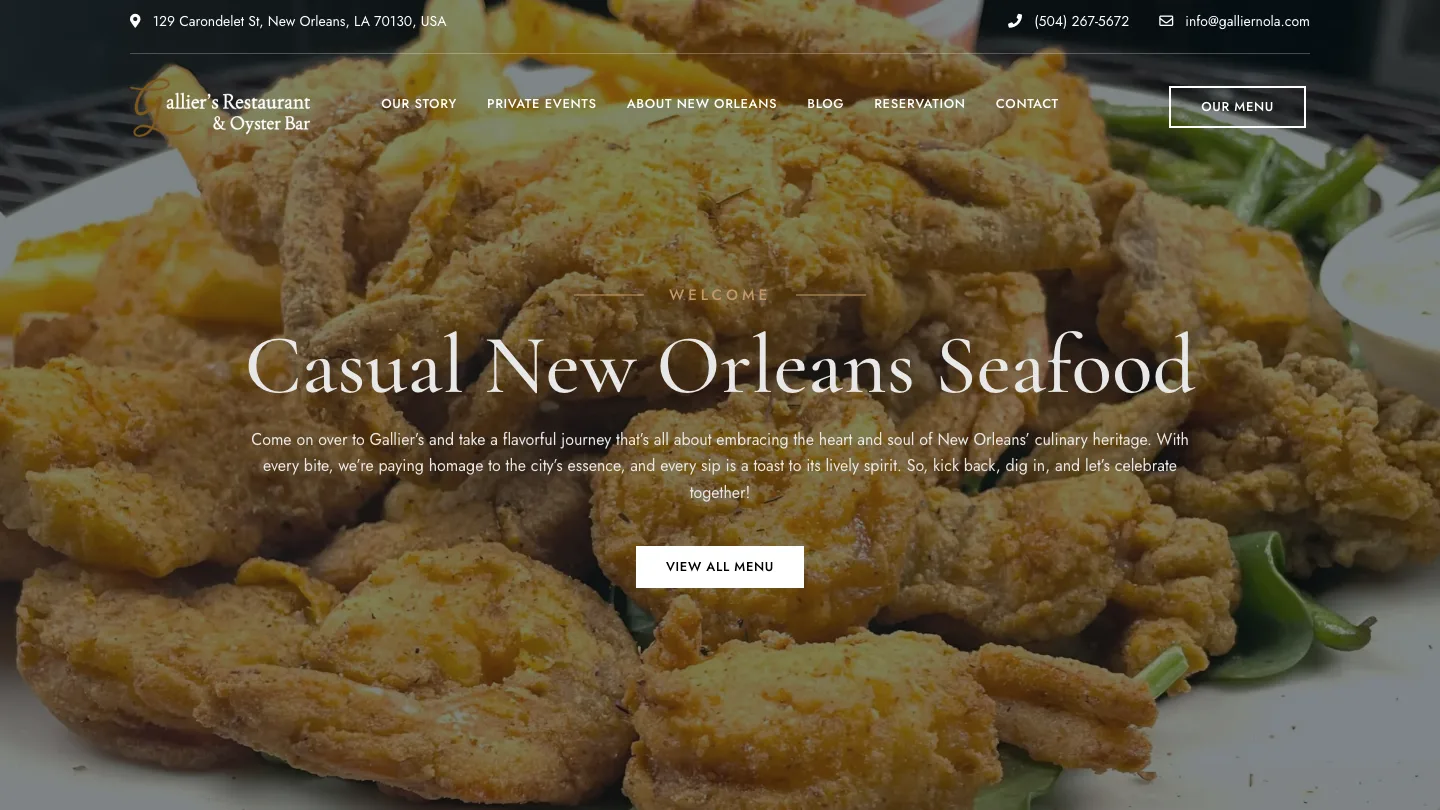

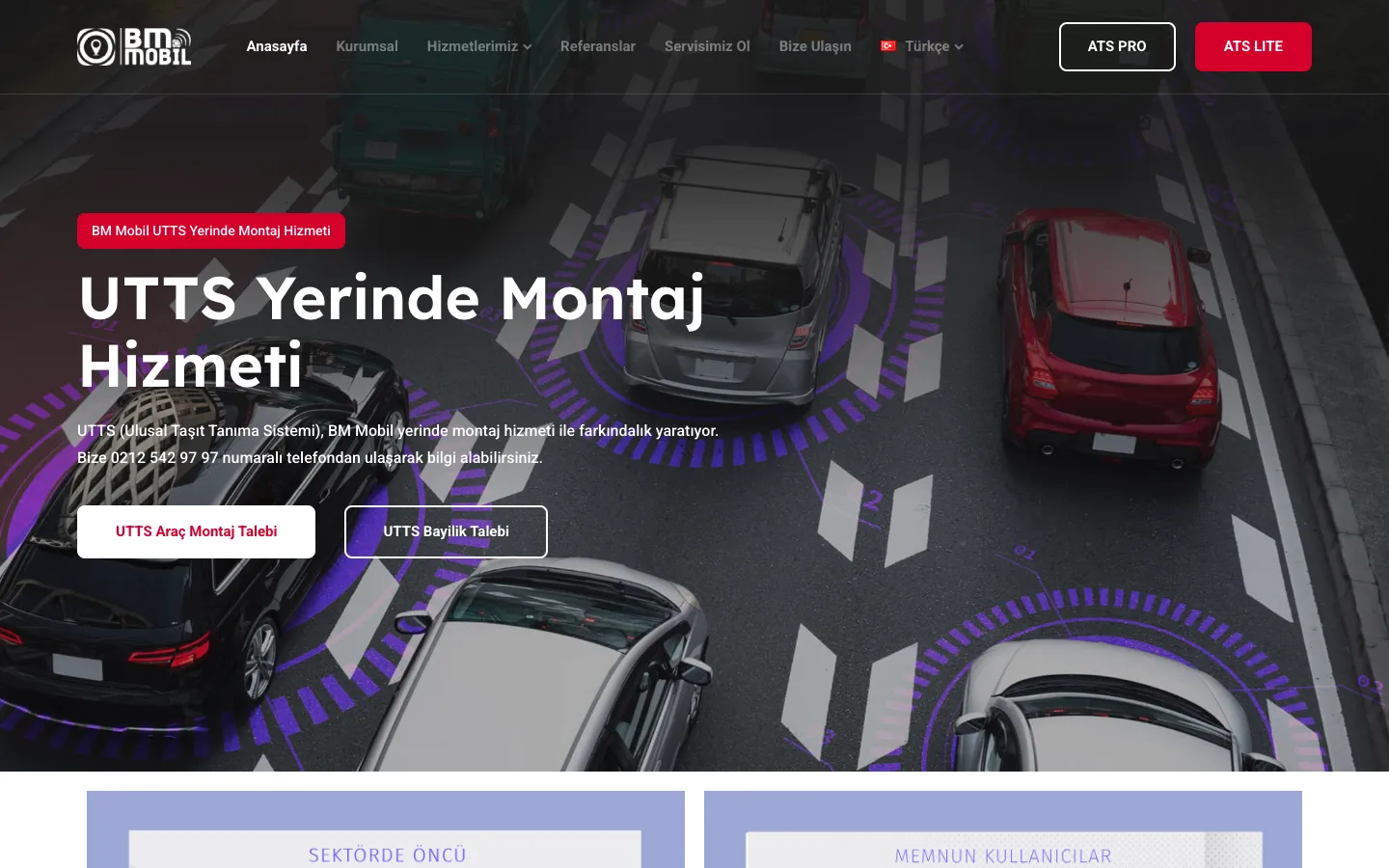

FAQ