One load record. Every party on it. Fewer status calls. PODs and gate times right where billing needs them.
Shippers book and track, carriers onboard and upload PODs, and dispatch sees gate times on one load record. Each side gets its own front door.
From €5,000 · fixed price agreed before any work · free first meeting
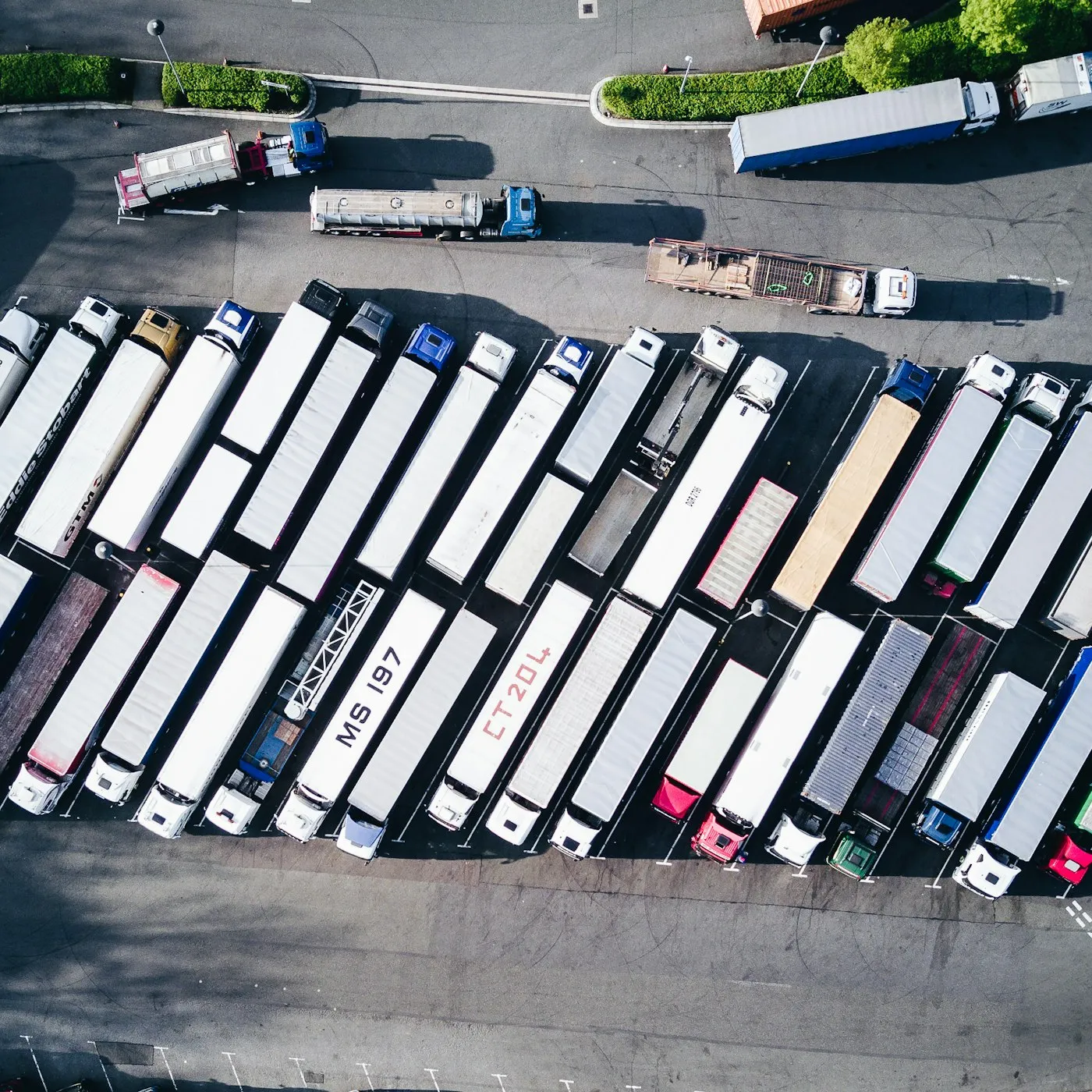 Gate times and PODs on the load record

Load record first
When shippers and carriers update the load themselves, dispatch stops relaying.
Where money leaks
1
Load record that shippers, carriers and dispatch all work from
2
Front doors: one for shippers, one for carriers
2
Languages on our Miami freight flows: English and Spanish
1
Phase at a time, each at a fixed price agreed before any code is written
What we usually hear
What dispatch usually tells us before a portal, and what we change first
“Detention disputes go to whoever finds the gate timestamp first.”
Appointment, gate-in and gate-out recorded per container or stop on the load record, with who entered them.
Seen in: Logistics & Freight
“Carriers are not paid while the POD sits on a phone.”
Drivers upload the POD to the load record from a phone, matched with the rate confirmation for pay and invoicing.
Seen in: Logistics & Freight
“Shippers call dispatch to ask where their load is.”
Shippers log in to book, see status and download BOLs, PODs and invoices themselves.
Seen in: Logistics & Freight
“Carrier onboarding is an emailed PDF.”
Sign-up collects operating authority (such as MC/DOT numbers) and insurance, and later changes to contact or payment details are flagged for a person.
Seen in: Logistics & Freight
“Load status lives in one person’s spreadsheet.”
Status updates from carriers and dispatch land on the load record, and the TMS and accounting software read from it.
Seen in: Logistics & Freight
What you get
Six things the portal does, built and run by the same engineers
One load record
Reference, lane, equipment, rate confirmation and status on one record that shippers, carriers and dispatch all work from.
Gate times per container
Appointment, gate-in and gate-out recorded per container or stop, with who entered them, so free time and detention are seen before they are billed.
POD upload from a phone
Drivers accept loads, update status and upload the POD photo from a phone, in English and Spanish.
A front door for shippers
Shippers request quotes, book, see status and download BOLs, PODs and invoices without calling dispatch.
Carrier onboarding that keeps checking
Sign-up collects operating authority (such as MC/DOT numbers) and a certificate of insurance, and later changes to contact or payment details are flagged for a person to confirm.
Connected to your TMS and accounting
Load data reaches the TMS and accounting software without retyping, where those systems allow it. We check what yours allow before we price it.
Who it is for
For freight firms with many parties on every load
A good fit
Dispatch spends its day relaying.
Status calls, POD chasing and timestamp hunts eat up the hours your team should spend booking loads.
- You move freight for shippers with carriers or owner-operators.
- Dispatch chases PODs, relays status and digs for timestamps.
- You want shippers and carriers to serve themselves on one record.
 Carriers · Brokers · Drayage · 3PL · Owner-operators
Not a fit yet
Want a public load board?
A board for the whole market is a marketplace business, not a portal for your own loads.
Start with a portal for your own shippers and carriers.
Only need better quote requests?
Logins and load records are more than you need for that.
See Freight Quote Forms.How a portal gets built
The load record first, then the two front doors
-
Step 01
Map one load, end to end
We follow one load from quote to paid invoice with your dispatch team and note who touches it and where it gets stuck.
-
Step 02
Design two front doors
Shippers and carriers get their own steps and wording, in English and Spanish, both landing on the same load record.
-
Step 03
Gate times and PODs first
The load record, gate timestamps and POD upload come first, because that is where money leaks. Booking and carrier pay follow.
-
Step 04
Run it every month
The same engineers monitor, update and extend the portal on a monthly plan, including on your busiest days.
In production
Freight platforms we have worked on





FAQ