AI in your product that works after the demo. Answers from your own data.
An assistant, search and drafts that answer from your docs and the user’s own data, respect permissions and have a spending cap. Built into the product you already run.
From €5,000 · fixed price agreed before any work · free first meeting


It answers from the user’s own data, shows the source, and hands over when it should.
Based on your product
2018
Building and running live software since
7
Products of our own we run live
3
AI providers we can switch between
3
Cities: Istanbul, Amsterdam and Miami
What we usually hear
Four signs your product is ready for AI features
Each one points to a single first feature, built and measured before anything else is added.

Support answers the same how-do-I questions every day.
An in-product assistant
02Users search your product and still cannot find things.
AI search
03A chatbot you tried promised things your product does not do.
Answers from your data
04Enterprise customers ask whether their AI assistants can use your product.
An MCP server

What we build
Four AI features we build into SaaS products, each one checked by a person
 Inside the product you already run
An Assistant Inside Your Product
Answers how-do-I and account questions from your docs and the user’s own data, shows where each answer came from, and hands over to support when it should.
AI Search Across the Product
Users search in their own words and find records, settings and docs, without knowing the exact name.
Drafts Users Approve
Summaries, replies or reports drafted inside the workflow. The user reads, edits and confirms; nothing is sent or changed on its own.
An MCP Server for Your Product
A way for AI assistants such as Claude or ChatGPT to use your product on a customer’s behalf (an MCP server), with the same permissions and limits as your API.
How it starts
One feature first, measured on real use.
Model usage is billed to your own AI account, with a spending cap, so you always see what it costs.
Who it is for
For products with real users and real questions
A good fit
- You have a live product, real users and real questions.
- You want answers from your own docs and data, with sources.
- You want AI costs you can see and cap.

Not a fit yet
-
A demo for next week?
We build features that work after the demo, which takes longer than a week.
-
AI changing data on its own?
We do not build AI that changes customer data or billing with nobody checking.
-
A handful of users?
Answer them yourself for now; it teaches you what the AI should do.
How it runs
One feature first, measured, then the next
-
Step 01
Look at Your Product and Questions
We read your docs, your data model and a sample of real user questions, and pick the one feature users will use most.
-
Step 02
Build the First Feature
It answers from your data with sources, respects each user’s permissions and has a spending cap. It is tested on real questions first.
-
Step 03
Measure It on Real Use
Every answer is logged: what it got right, where it handed over and what it cost to run.
-
Step 04
Extend it and keep it running
Search, drafts or an MCP server come next. We run the AI with the rest of the product.
In production
AI products we build and run

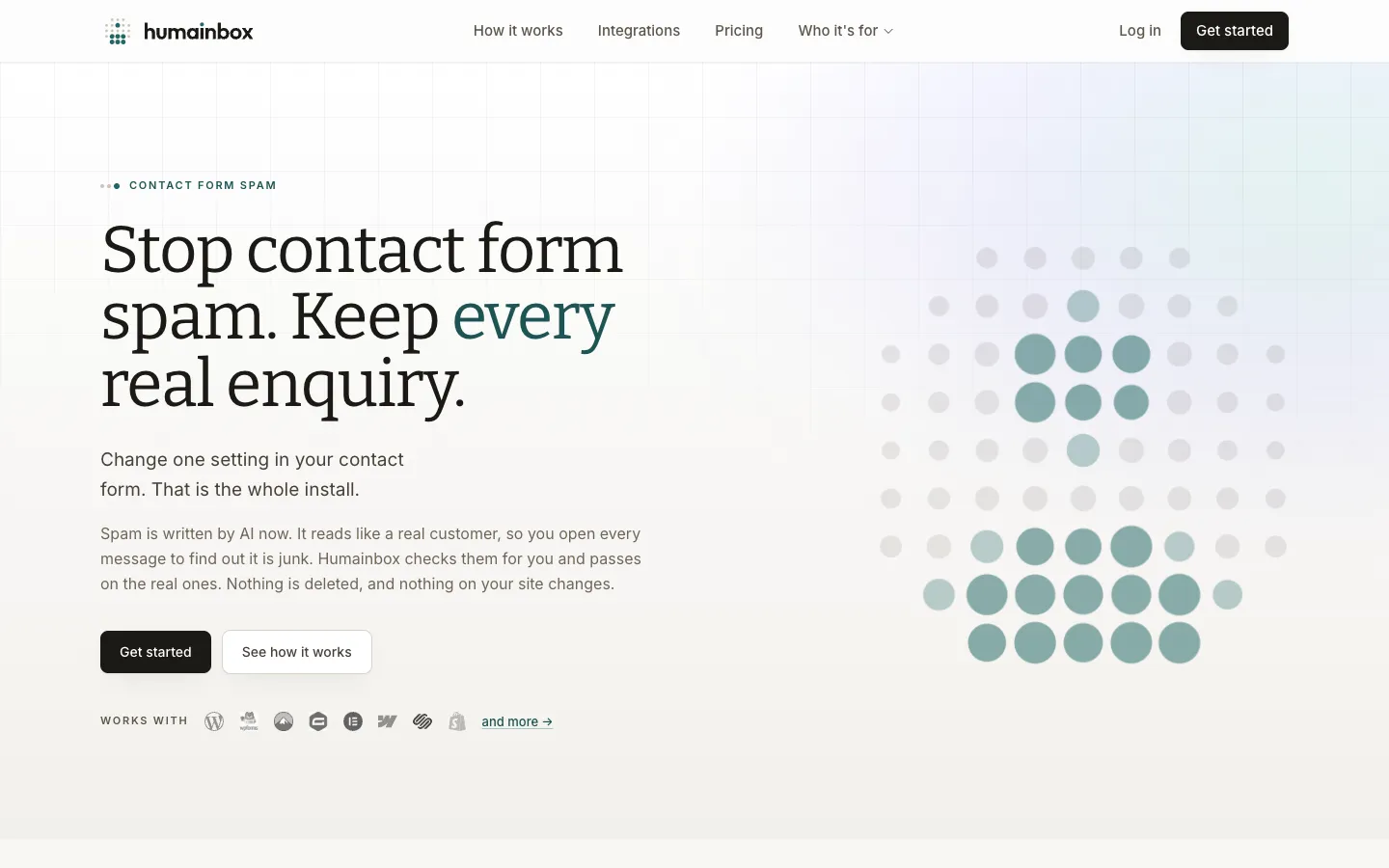
Humainbox
Our own product: filters AI-written spam and sales pitches out of contact forms and sends real enquiries to the right people.

AuditSocials
Our own product: tracks platform content policies, with a REST API and an MCP server, so AI assistants can check content before it is published.
FAQ