The POD sits on the driver’s phone.
A link in a text opens the upload. The driver snaps the POD, and it lands on the load.
Drivers open a link, snap the POD and tap gate in and out. It lands on the load at once, so billing can invoice the same day. No app store needed.
From €3,000 · fixed price agreed before any work · free first meeting

First step
Tied to the load number
If the POD lands on the load, billing does not have to chase it.
No app store needed
0
Apps for drivers to install: the upload opens from a text link
1
Load or PRO number on every upload, so no photo is left without a load
2
Gate times per stop, in and out, saved with the phone’s own clock
Same day
When billing sees the POD: the moment the driver uploads it

What we usually hear
Who it is for
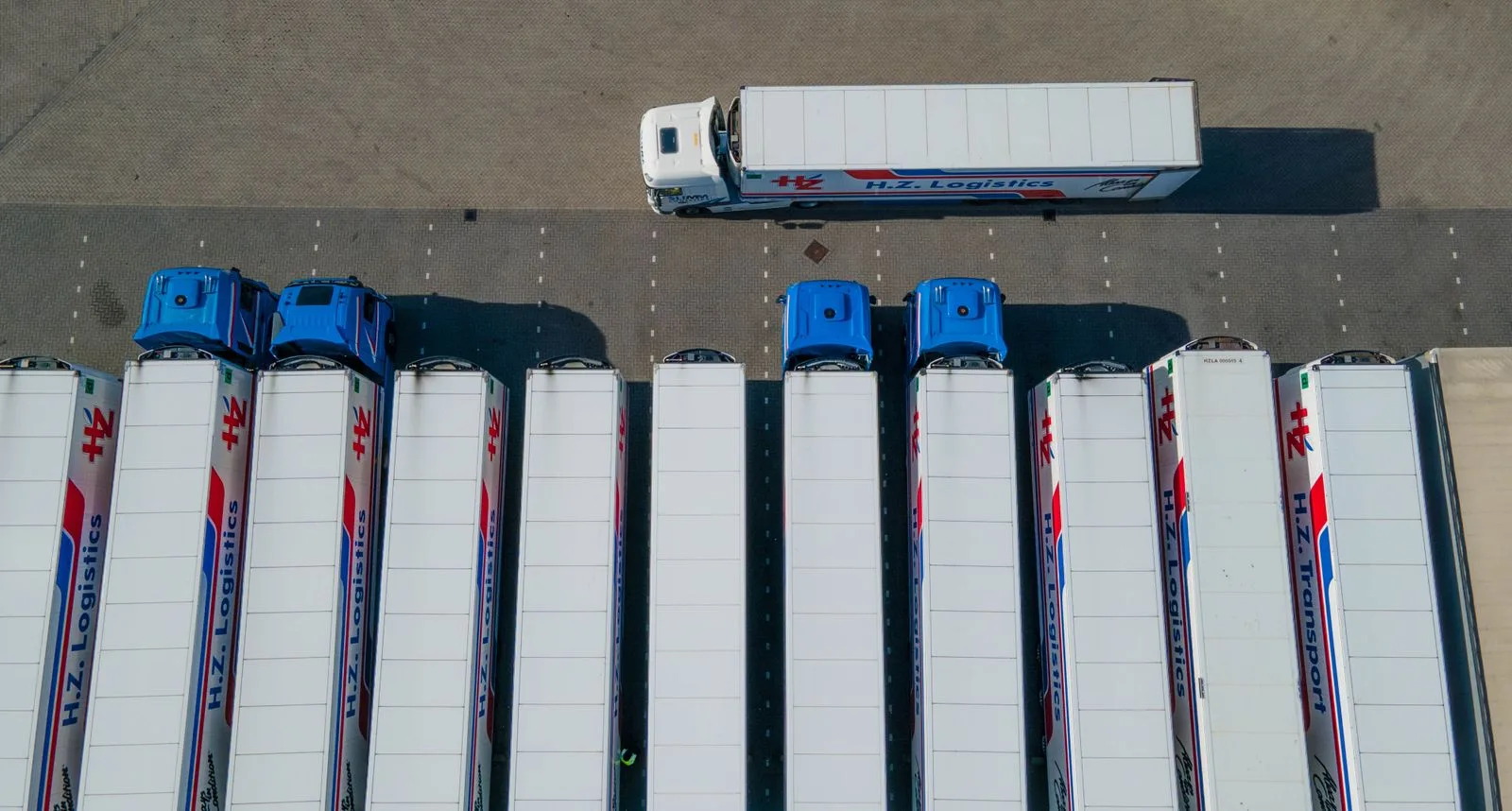 Drayage · Trucking · Brokers · 3PL · Owner-operators
A good fit
Not a fit yet
If your ELD or TMS app collects PODs and drivers really use it, the gap is somewhere else.
The Load Retyping Review finds where.Not a fit yet
Booking, tracking and load history for every party are a portal, which is a bigger build.
See the Shipper & Carrier Portal.POD checklist
Twelve checks we run on every POD flow. Tick what yours already does. Your ticks are saved only in your browser.
0 of 12 confirmed
Tick only what you can confirm, not what you assume. Several basics are unconfirmed. That is common when PODs come back by text and email, and it is exactly what mapping one delivery covers. In good shape. The unticked items are where a POD or a detention charge still goes missing. All 12 confirmed. Your PODs already reach billing on time. Keep it that way as drivers and customers change.
How we work
What happens
We follow one load from delivery to invoice with your team, and note where the POD waits.

What happens
A phone page from a text link, tied to the load or PRO number, with POD photos and gate times.
What happens
The office sees each POD on the load at once. Missing PODs and long waits are listed for billing.
What happens
We monitor it and fix what breaks, every month. Your TMS can come later, once the upload has proved itself.
In production
Not yet shipped as one product for a freight firm. These are the closest pieces, running for clients and in our own app.
FAQ
Tell us how it works today and where it gets stuck. An engineer will talk it through with you and tell you the next step.
Step 1 of 2
Two quick steps: what is going on, then where to send our reply. An engineer reads it and tells you honestly if we are not the right fit.
Or order it and pay onlineWhich of these is closest?
Two steps. We ask for an email on the next one.
An engineer reads it and replies within one working day, by email to . We just sent a copy of your message there.
Essential cookies keep the site working. Analytics cookies are set only if you accept: our own visit counter and, if you came through a link in an email from us, a link between your visits and your contact record, so our team can see what you read. Accepting also lets us remember your industry and which notices you have already seen. Otherwise visits are counted without cookies and without storing your IP address. You can change your choice at any time under Cookie Settings in the footer. Cookie Policy
Before you go — have a system that's stuck, or needs AI?
We build what's missing, add AI where it really helps, and keep it all running.