It still works. But it blocks the next step.
Upgraded in place or rebuilt in stages. Old PHP, a Laravel version that no longer gets fixes, or a WordPress site built with a page builder. We upgrade it one version at a time, or rebuild it in stages, while the old system keeps serving customers.
Works and only its developer is gone? Takeover & Handover is cheaper and may be enough.
System Review · upgrade or rebuild
Two ways forward
Upgrade in place or rebuild in stages. We say which before we start
The System Review prices both routes and says which one we recommend. On either route, the old system keeps serving customers.

Path 01
Upgrade in Place
Right when
- The system still does its job and the way it stores data still fits the business.
- It runs on PHP or Laravel versions that no longer get security fixes.
- What holds it back is an old version or an abandoned add-on package, not the way it is built.
PHP, Laravel and the add-on packages (Composer dependencies) move up one major version at a time, with tests checking each step. We know what each version breaks: 8.0 string-to-number comparison, 8.1 null to built-in functions, 8.2 dynamic properties, 8.4 implicitly nullable parameters. None of it is hard. All of it has to be found.
The cheaper default: a working system keeps working.
Path 02
Rebuild in Stages
Right when
- The way the data is stored blocks something the business needs.
- So little of it is used that replacing it costs less than understanding it.
- With a page builder, every change of direction means rebuilding pages by hand.
New Laravel code takes over one section, page or report at a time while the old system runs the rest. We never rewrite it all and switch over in one night. That earns nothing until it is finished, and it has to rediscover every rule built into the old system.
Recommended only when the way it is built blocks the business.
What it is
A working system, held back by the stack it runs on
Legacy Modernisation is for businesses running an old PHP application, a Laravel version that no longer gets fixes, or a page-builder WordPress site. It still works, but it blocks new features, security and growth.
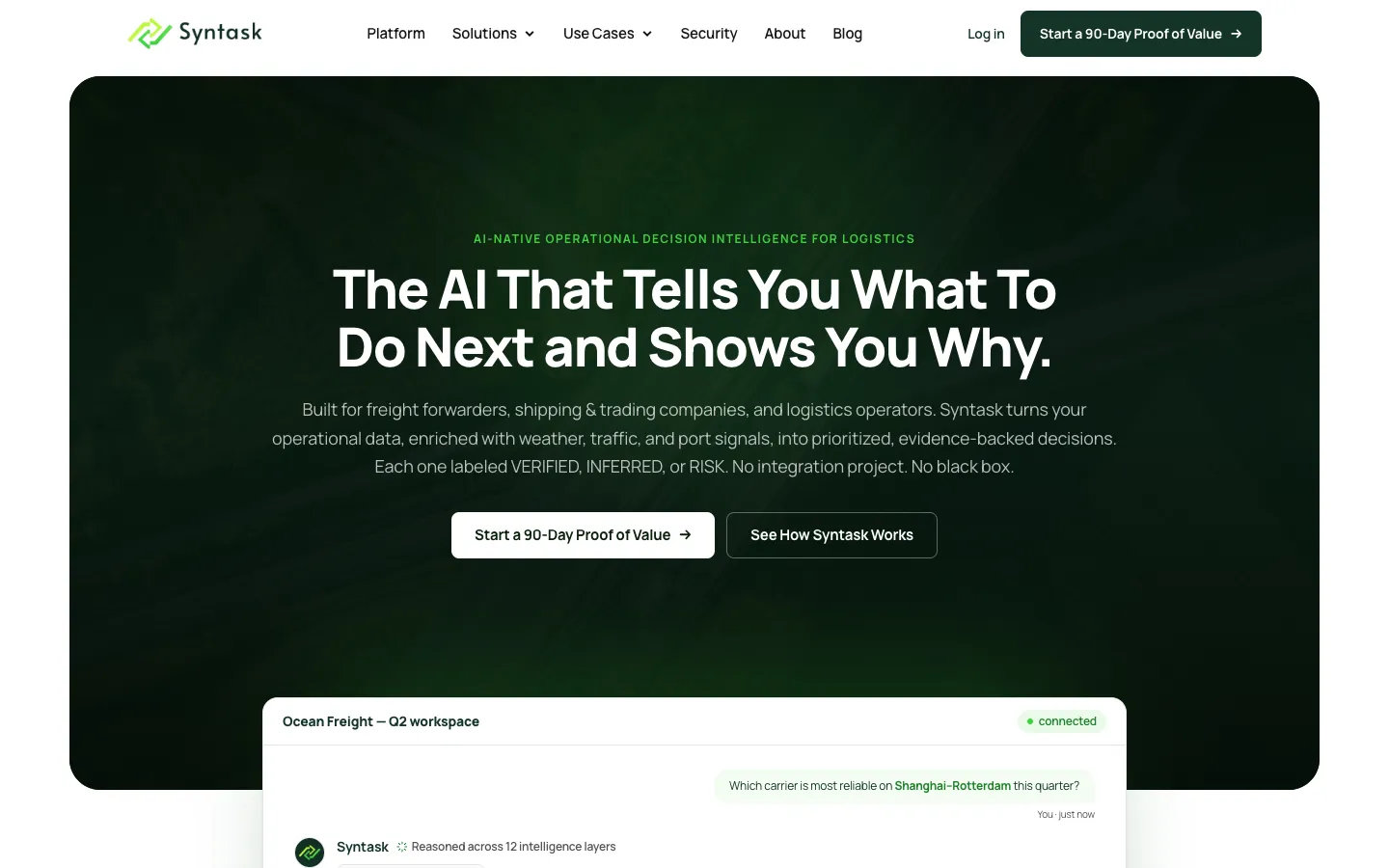
We either upgrade it in place, one version at a time, or rebuild it in Laravel in stages. The old system keeps serving customers meanwhile, and we tell you which route is cheaper before we start. We have taken inherited code up to PHP 8.4. We also moved Syntask from Elementor WordPress to Laravel, keeping its 120+ article blog and existing links.
It fits a PHP, Laravel or WordPress system the business uses every day. It still does its job, but runs on versions that no longer get security fixes, or on hosting that cannot run newer ones. There must be a real next step that is blocked: a new feature, a link to another system, AI, speed or a change of direction. If nothing is blocked, spend the money elsewhere.
If the system is broken or was never finished, that is Project Rescue. If only its developer has gone, Takeover & Handover is cheaper and may be enough. A takeover is often the first month of a modernisation, but not the whole job. Launch & Migration moves a system to new hosting; modernisation changes the technology it is built on.
Upgrading in place is usually cheaper. We recommend a rebuild in stages only when the way the system is built blocks something the business needs.
What each stage delivers
A safety net first, then steps you can roll back
 Still serving customers
Safety Net First
Version control (a full history of every code change), a test copy with real data, backups we have tested, error alerts, and tests that record how checkout, invoicing, logins and imports work today.
Stepped Upgrades
PHP, Laravel and add-on packages move up one major version at a time, so if something breaks, we know which change caused it. Abandoned packages are listed first, then replaced, taken over or removed.
Staged Rebuild onto Laravel
New code takes over one section, page or report at a time while the old system runs the rest.
Data and URL Migration
We check text encoding, links between records, and media, because old databases can break Turkish and accented characters. Every old URL is sent to its closest new page with a permanent (301) redirect.

Before any of it
A modernisation plan, with both routes priced.
Versions, add-on packages and risky areas, with our recommendation. It comes from a System Review, delivered within a week.
What changes
Supported, safe to change and ready for what is next
-
01
Back on Supported Versions
PHP, the framework and dependencies move onto releases that still receive security patches.
-
02
Changes Become Routine
Tests, a test copy and releases you can undo turn a change from a gamble into a decision.
-
03
Room for What Is Next
Up-to-date technology can support the feature, the link to another system or the AI the business has been waiting for.
In production
Moved forward without losing what it had earned

Start here instead if
You already know the problem you want solved.
FAQ