
01
“Our listed businesses want bookings through us.”
Sign-up for both sides and one checkout. You take a commission on each order and each business gets paid out. Refunds and partial cancellations are built in.
Start with the smallest version that takes an order. Sign-up for sellers and buyers, listings and search, commissions, payouts and refunds that add up, and the admin tools to run it. Built on WooCommerce with Dokan, or on Laravel.
No buyers and no sellers yet? Find them by hand with a form and a spreadsheet first.
Honest before clever
Next in Build
Mobile Apps
iOS and Android, shipped and maintained.
What it is
A marketplace is a platform where independent sellers, hosts or carriers list what they offer, and buyers pay through one checkout. We build it on WooCommerce with Dokan, or as a Laravel application.
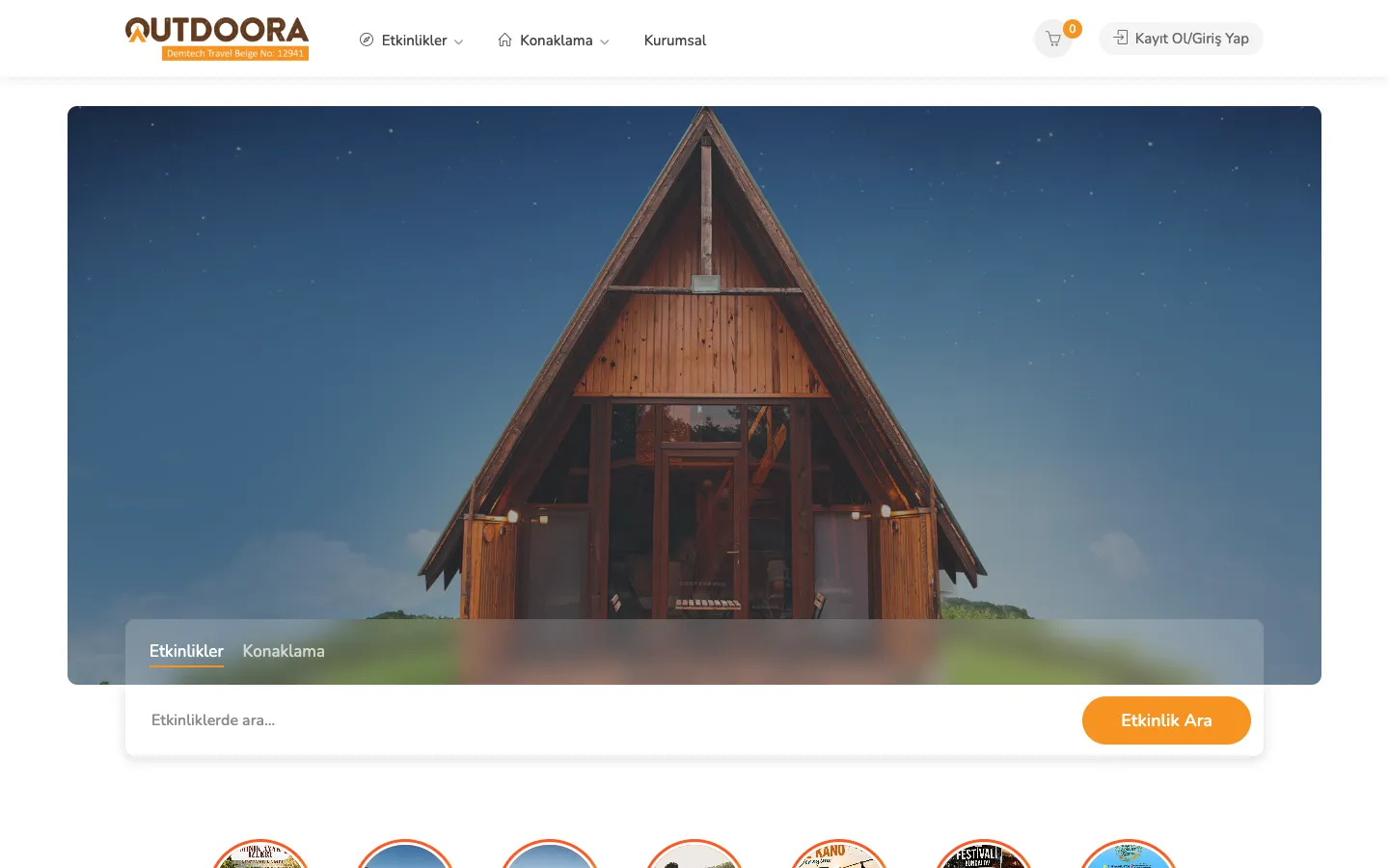
You get sign-up for both sides, listings and search, commissions, payouts and refunds that add up, and the admin tools to run it. We start with the smallest version that can take a real order. We built and still run Outdoora, a live Turkish marketplace for outdoor event tickets and nature stays with 200+ products from independent organisers.
Marketplaces & Platforms is for independent sellers and buyers who trade through your platform, with the money split between them. If only your staff and clients sign in, see Custom Platforms & Portals. One business selling its own time slots is Booking & Reservations.
If you sell products or tickets and already run WooCommerce, Dokan plus a custom plugin is faster and cheaper. It is what Outdoora runs on. Laravel is better when your commission rules, booking rules or two very different user journeys no longer fit the plugin.

What we already know
01
A marketplace with ten sellers and no buyers is a directory nobody visits. So we usually start with one side, one category or one city, with your team doing some work by hand behind the scenes.
02
If a seller has already been paid when the buyer cancels, someone is left out of pocket. So we decide when sellers are paid, how long money is held, and who pays for refunds before checkout is built.
03
Blocking phone numbers rarely works. Keeping payment protection, reviews and contracts on the platform gives both sides a reason to stay.
04
In Türkiye that means 3D Secure (the bank's extra card check), a bank-transfer option, a distance-sales contract and buyer ID fields. In the EU, platforms must offer a way to report illegal content. Under the DAC7 rules, they must also collect seller details and report seller income to tax authorities. Small sellers below a limit are excluded.
Where this usually starts
Five ways a marketplace project walks in, and what we build for each.
Sign-up for both sides and one checkout. You take a commission on each order and each business gets paid out. Refunds and partial cancellations are built in.
WooCommerce with Dokan, extended with a custom plugin where it falls short, and a seller dashboard for orders, payouts and participant exports.
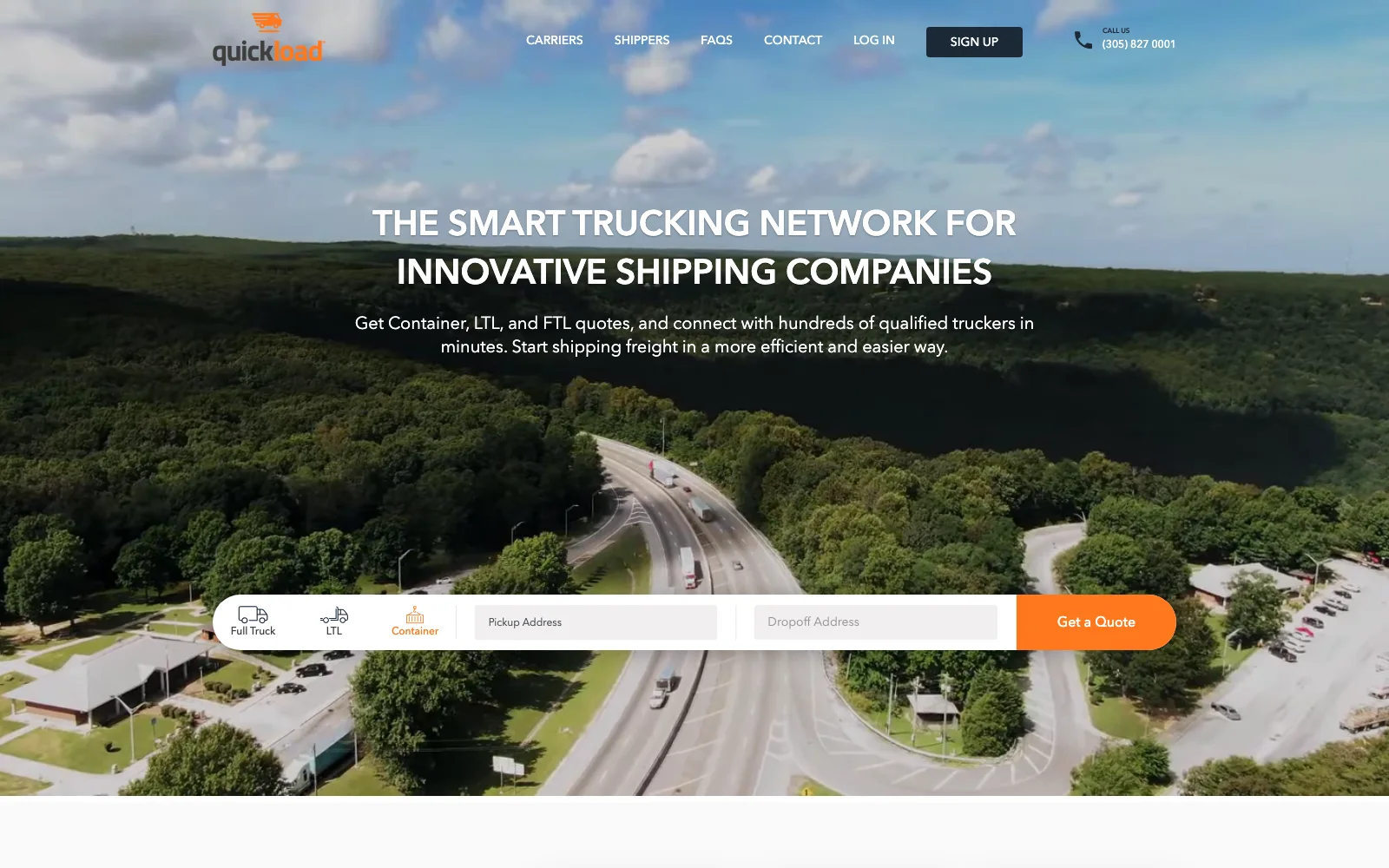
Two front doors, ‘I’m a Shipper’ and ‘I’m a Carrier’, each with its own steps, language and sign-up, as we designed for Quickload.
As on Outdoora, each order can be limited to one organiser. Then the contract, payout and refund each involve exactly one other party.
Blocking phone numbers rarely works. Payment protection, reviews tied to completed purchases and contracts on the platform give both sides a reason to stay.
Not sure yet?
Tell us what you sell and what you already run. We recommend one after looking at your setup.
Start a ProjectWho it is for
A good fit
Not a fit yet
Find them by hand with a form and a spreadsheet first, then build for proven demand.
That is a store, not a marketplace. A well-built WooCommerce shop serves you better; see WordPress & WooCommerce.
How we work

The rule
We choose the first side, one category or city, and write down what not to build yet.

The rule
We settle when commission is taken, when sellers are paid and who pays for a refund. Every order then records who was paid, what was kept and what was refunded.

The rule
Listing, search, checkout, payout and review, plus approval queues, user reports and a record of decisions. Running the platform moves out of the inbox.
The rule
We launch with a small group of sellers. Steps stay manual until volume justifies code, and we keep running it after launch.
In production
FAQ
Tell us who sells, who buys and how money moves between them. We will talk through the smallest version that can take its first order.
Step 1 of 2
Two quick steps: what is going on, then where to send our reply. An engineer reads it and tells you honestly if we are not the right fit.
Which of these is closest?
Two steps. We ask for an email on the next one.
An engineer reads it and replies within one working day, by email to . We just sent a copy of your message there.
Essential cookies keep the site working. Analytics cookies are set only if you accept: our own visit counter and, if you came through a link in an email from us, a link between your visits and your contact record, so our team can see what you read. Accepting also lets us remember your industry and which notices you have already seen. Otherwise visits are counted without cookies and without storing your IP address. You can change your choice at any time under Cookie Settings in the footer. Cookie Policy
Before you go — have a system that's stuck, or needs AI?
We build what's missing, add AI where it really helps, and keep it all running.