Answers from your own spec sheets. So sales stops typing the same answers by hand.
Technical and certificate answers from your own documents, with the source shown and a handover to sales for price and fit. On your site and in your sales inbox.
From €5,000 · fixed price agreed before any work · free first meeting
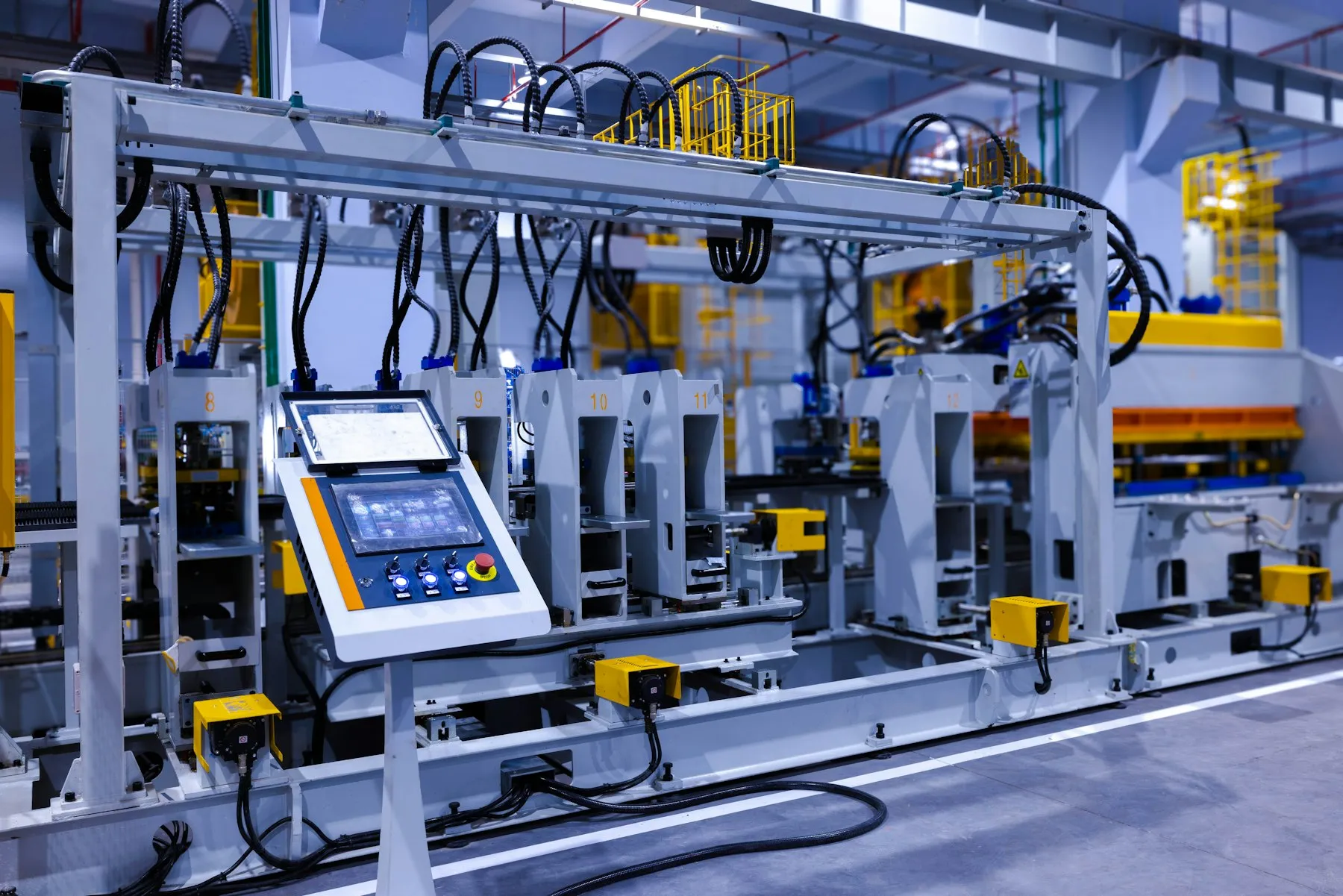

When the answer is not in your documents, it says so and passes the question to sales.
Based on your spec sheets
2018
Building and running live software since
4
Export catalogue sites in our case studies
7
Products of our own we run live
3
AI providers we can switch between
What we usually hear
Four signs your sales team is ready for AI that knows your products
Each one points to a single first job for the AI, built and measured before anything else is added.
Sales answers the same spec questions by hand, every day.
A product assistant
02Buyers abroad wait a day for an answer that is already in a PDF.
Answers with sources
03A chatbot you tried made up a rating or a certificate.
Answers from your documents
04Translating spec sheets and replies takes hours nobody has.
Drafts you approve
What we build
Four things AI can do for your sales team, each one checked by a person
 On your site and in your sales inbox
A product assistant on your site
Answers technical and certificate questions from your own spec sheets, manuals and certificates, in the buyer’s language, with the source shown. Price and fit questions go to sales.
RFQ replies drafted for sales
In your inbox or CRM (where sales tracks customers), replies drafted from the request and your spec data. Your team reads, edits and sends.
Translations your team approves
First drafts of spec sheets, product pages and replies in your buyers’ languages, waiting for a person to check them.
Search that understands specs
Buyers search in their own words, such as a size, a standard or an application, and find the right model across your catalogue.
How it starts
One job first, measured on real questions.
Model usage is billed to your own AI account, with a spending cap, so you always see what it costs.
Who it is for
For manufacturers with real documents and real questions
A good fit
- You have spec sheets, manuals and certificates, and buyers who ask about them.
- You want answers with sources, and a person who can check them and take over.
- You want it on your site and in your sales inbox, not in another dashboard.

Not a fit yet
-
A few questions a month?
Your sales team can answer by hand, and it costs less.
-
AI setting prices?
We do not build AI that quotes prices or approves technical fit with nobody checking.
-
Specs not written down yet?
Start with the catalogue; the AI needs documents to answer from.
How it runs
One job first, measured, then the next
-
Step 01
Look at your documents and questions
We read your spec sheets, certificates and a sample of real buyer questions, and pick the one job that saves sales the most time.
-
Step 02
Build the first assistant
It answers from your documents with sources and hands over clearly to sales. It is tested on real questions before it goes live.
-
Step 03
Measure it on real questions
Every answer is logged: what it got right, where it handed over and what it cost to run.
-
Step 04
Extend it and keep it running
RFQ drafts, translations or search come next. We keep the documents and the AI current together.
In production
AI that answers from real data, and catalogues for manufacturers




FAQ