BM Mobil: a vehicle tracking app, designed in Figma (app design)
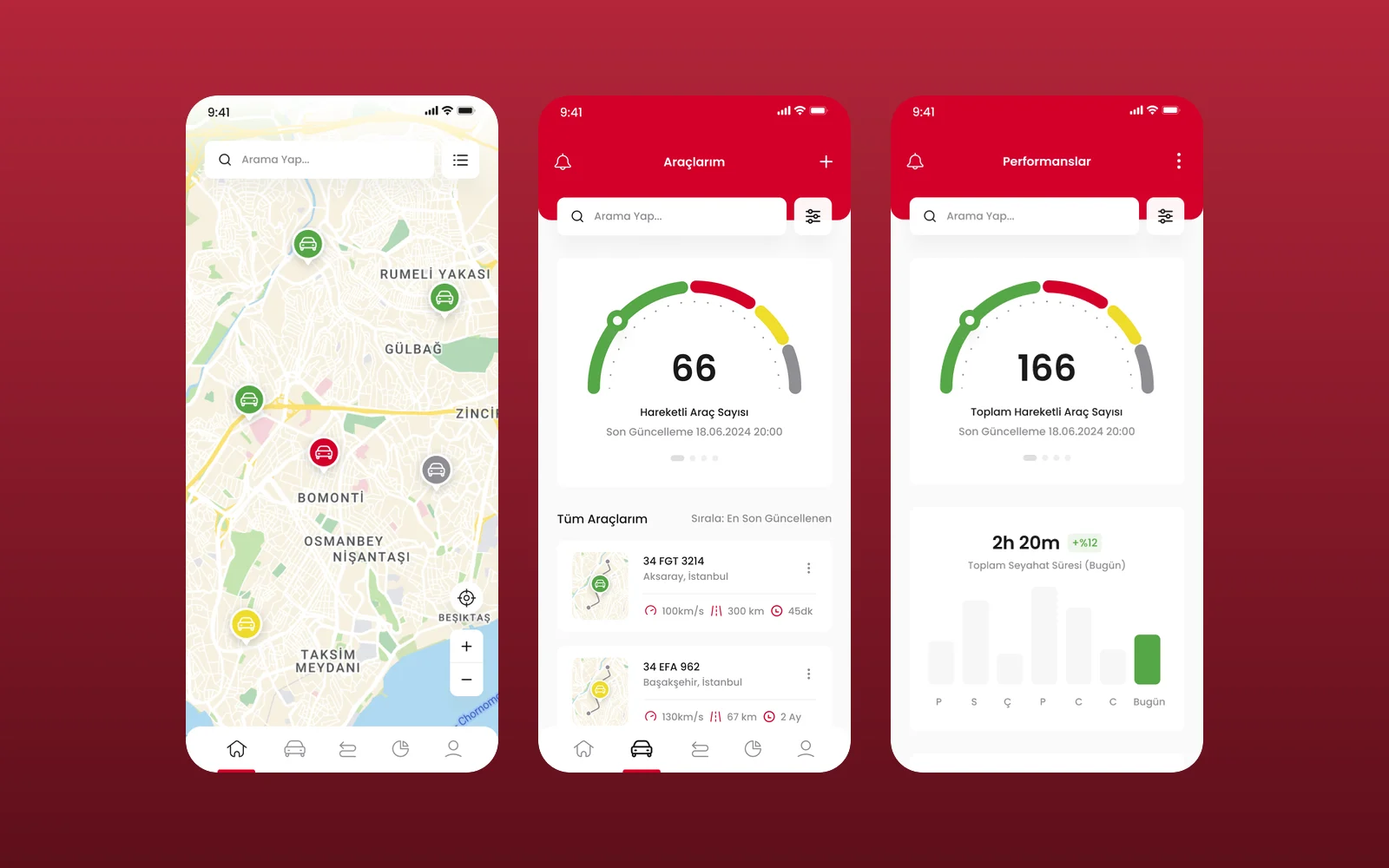
We designed the UI and UX of BM Mobil's vehicle tracking app in Figma: a live fleet map, a vehicle list, vehicle pages with live camera monitoring and a performance view. This was a design engagement, delivered as Figma screens.
- Project
- Mobile app design
- Our role
- App UI/UX design (Figma)
- Platform
- Mobile app
- Country
- Türkiye
- Year
- 2026
The challenge
A tracking business, on the phone
BM Mobil sells and installs vehicle tracking, fleet management and in-vehicle camera systems across Turkey. Its app had to show where every vehicle is, how it is being driven and what its cameras see, on a small screen.
Our approach
The fleet at a glance
A map shows every vehicle with a colour for its state, and tapping one opens its plate, driver, speed, distance, time and idling.
My vehicles
"My vehicles" starts with a gauge of how many vehicles are moving, then lists each one with location, speed, distance and last update.
One vehicle, in detail
A vehicle page adds make, fuel, colour and chassis details, its exact location and nearest point, the last trip, and a button to start live camera monitoring from the front, wheel-arch and cabin cameras.
Performance
A performance view charts daily travel time, weekly distance and how many vehicles were tracked.
Screens
Inside BM Mobil
How we delivered
From brief to design handover
-
01
DiscoveryBrief and brand
We started from the client's brief and corporate identity: who the app is for, what it has to do and how the brand looks and speaks. Colours, type and tone of voice were set from the identity before the first screen was drawn.
Client briefCorporate identityUsers & goals -
02
Wireframes
WireframesSimple low-fidelity wireframes mapped every flow from start to finish, so structure and priorities were agreed before any visual design.
User flowsLow-fidelity screens -
03
App architecture
ArchitectureWe planned the app's structure: navigation, the full screen map and every state a screen can be in, from empty and loading to error and success.
NavigationScreen mapStates -
04
Components
Design systemEvery component was fully designed in Figma with its variants, on the brand's colours and typography, so screens are built from one consistent library.
ComponentsVariantsFigma -
05
Screens and UX writing
UI designWe designed the content screens and page layouts and wrote the UX copy for them: labels, buttons, empty states, errors and confirmations, in a voice that fits the brand.
Content screensLayoutsUX copy -
06
Prototyping
PrototypeThe finished screens were linked into a clickable prototype to walk through the flows with the client and refine them before handover.
Clickable prototypeReview rounds -
07
UI/UX file handover
HandoverWe delivered the complete Figma file with the component library, all screens, the prototype and exportable assets, ready for the development team.
Figma fileComponent libraryAssets
Results
What we delivered
A complete app flow in Figma
The design covers the fleet map, the vehicle list, vehicle pages with live camera monitoring and the performance view, in one consistent visual language.
More work
More design work
Cdemly
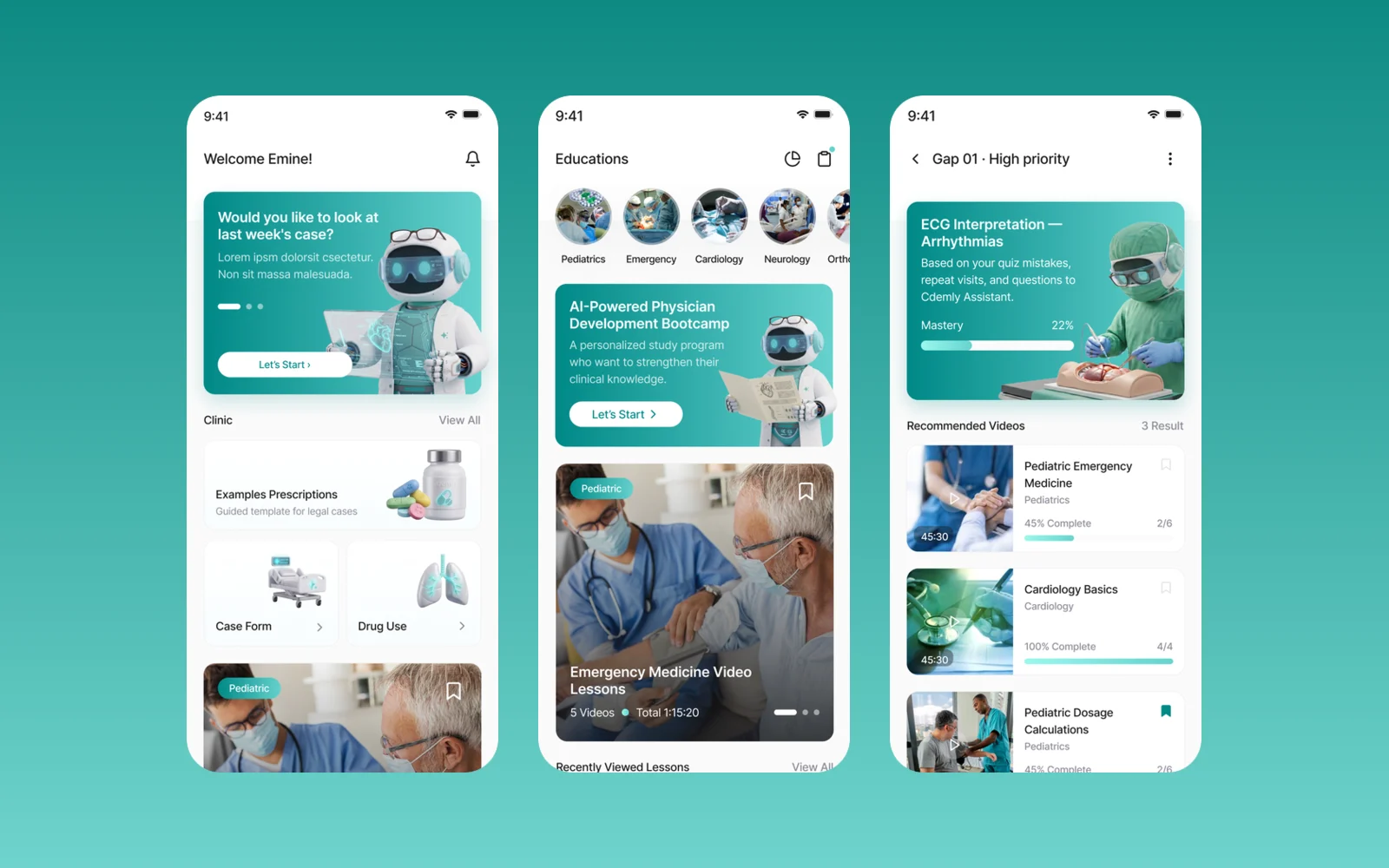
We designed Cdemly, a clinical AI assistant app for general practitioners, for our client. The work covers the design system, a sitemap of more than 168 screens and detailed screen designs for clinical support, calculators and patient consultation.
Avis Filo Maestro
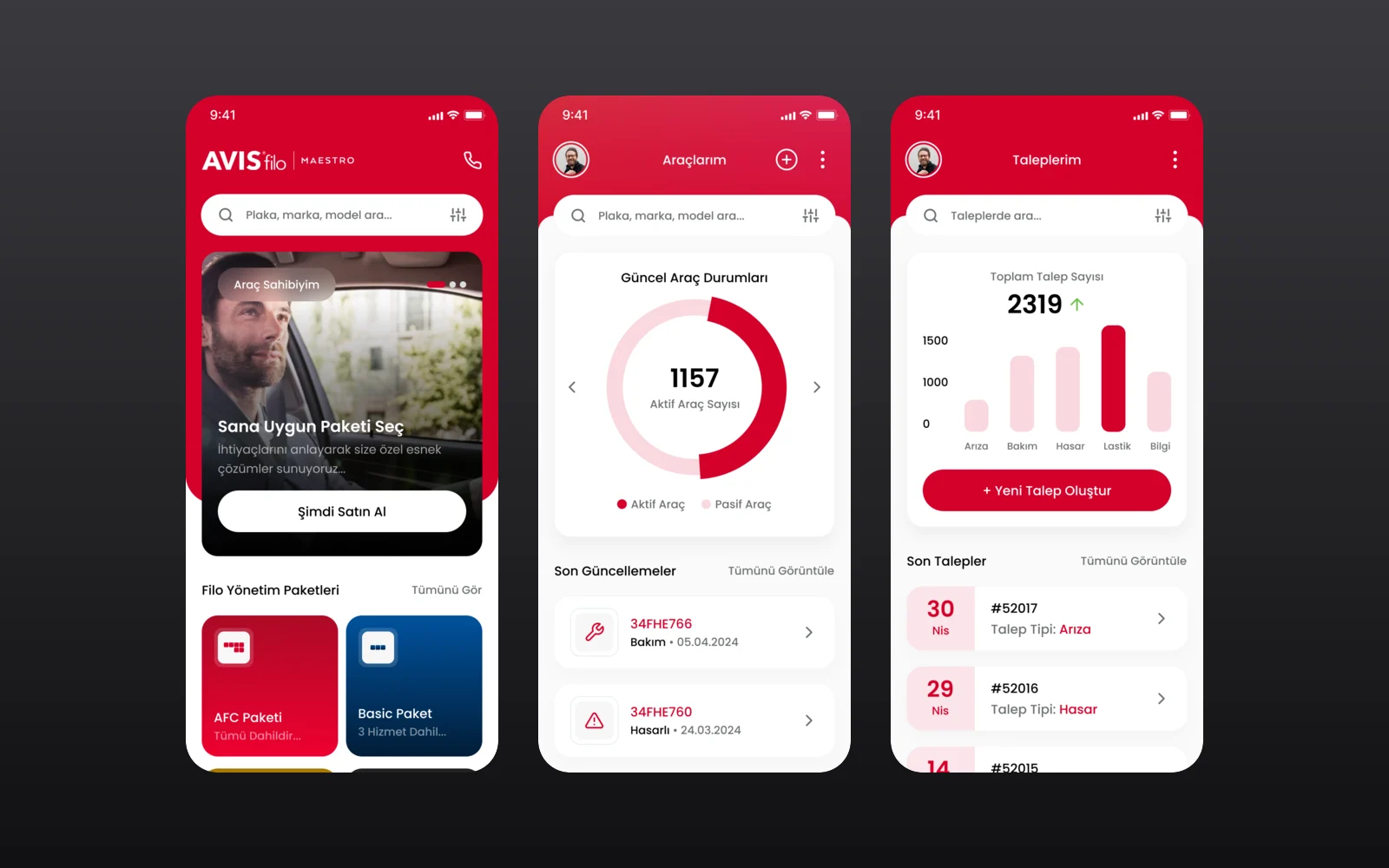
Avis Filo Maestro is the fleet management service of Avis Filo for corporate customers. We designed its mobile app through an agency partner: fleet packages and services, a vehicle overview, service requests and a one-tap support line.
Magic Break
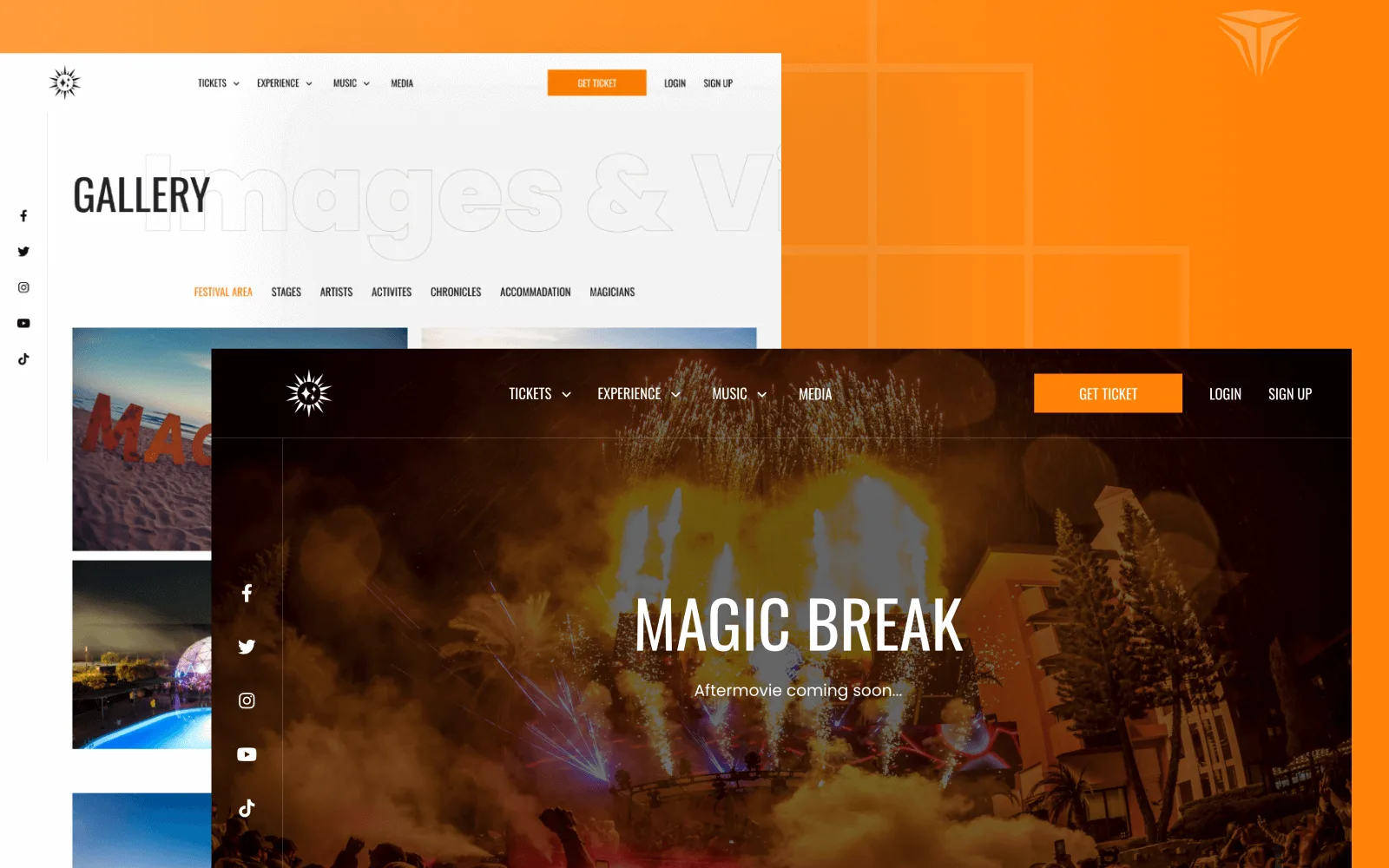
Magic Break is an electronic music festival held at the Pegasos hotels in Incekum, Antalya. We designed the interface and built a bilingual Laravel website where visitors pick a ticket type and hotel room, pay, and manage their reservations in their own account.