Global Waters: App Design for Water Treatment Devices
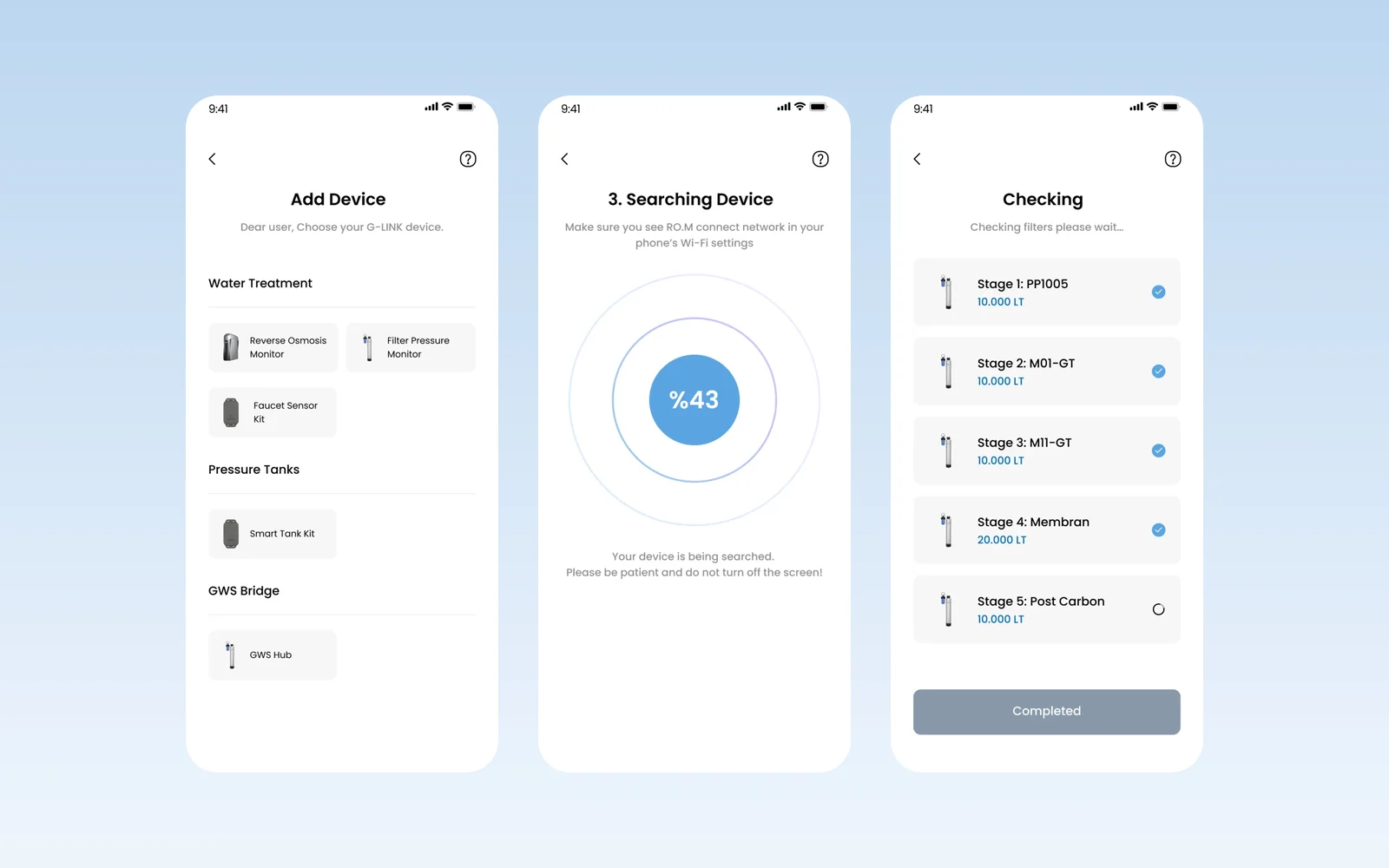
Global Water cleans and treats water so it can be reused for irrigation, while drinking water is kept for drinking. We designed the mobile app its customers use to add their G-LINK devices, set them up and follow filter health.
- Project
- Mobile app
- Our role
- UI/UX design
- Platform
- iOS & Android
- Year
- 2022
The challenge
A device people install once and forget
A water treatment unit runs in the background. The app had to make the first setup easy and then show at a glance whether each device is working and how much water it has handled.
Our approach
Adding a G-LINK device
The customer picks a device by group (water treatment monitors, smart tank kits, the GWS hub) and follows numbered steps: reset the unit, choose the Wi-Fi network, then wait while the app finds the device. Each step has one instruction and one button.
Managing a reverse osmosis system
Once connected, a management screen shows the last device update and the remaining capacity, with entries for settings, filtration status, filter change and functions such as closing the water valve. Setup confirms measurement unit, brand and model, and a filter check walks through every stage with its capacity.
Screens
Inside Global Waters
How we delivered
From brief to design handover
-
01
DiscoveryBrief and brand
We started from the client's brief and brand identity: who the app is for, what it must do, and how the brand looks and speaks. We set the colours, fonts and tone of voice from that identity before we drew the first screen.
Client briefCorporate identityUsers & goals -
02
Wireframes
WireframesSimple sketches of each screen (wireframes) showed every step of every flow. This way we agreed on structure and priorities before any visual design.
User flowsLow-fidelity screens -
03
App structure
ArchitectureWe planned how the app is organised: the menus, a map of all screens, and every state a screen can show, such as empty, loading, error and success.
NavigationScreen mapStates -
04
Components
Design systemWe designed every building block, such as buttons, cards and menus, in Figma with all its versions, in the brand's colours and fonts. Every screen is then put together from this one shared library, so the whole app looks the same.
ComponentsVariantsFigma -
05
Screens and wording
UI designWe designed the content screens and page layouts. We also wrote the words on them: labels, buttons, empty screens, error messages and confirmations, in a voice that fits the brand.
Content screensLayoutsUX copy -
06
Prototyping
PrototypeWe linked the finished screens into a clickable prototype, a test version you can tap through. We walked through it with the client and improved it before handover.
Clickable prototypeReview rounds -
07
Design file handover
HandoverWe delivered the complete Figma file: the component library, all screens, the prototype and images ready to export, ready for the development team.
Figma fileComponent libraryAssets
Results
What we delivered
A complete app design
The screens were delivered as a full mobile design for Global Waters.
More work
More design work
RiderSticker
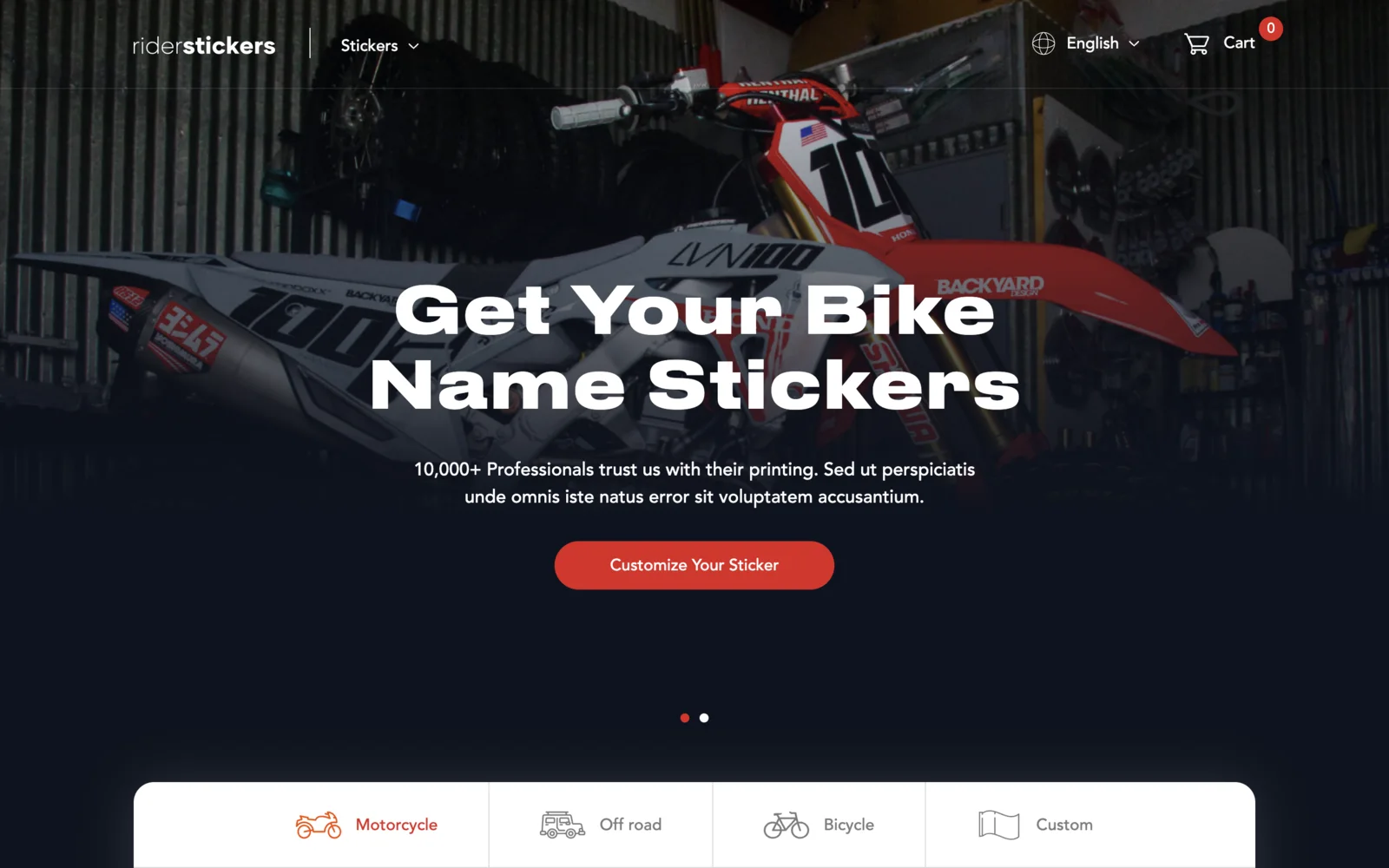
An online shop for custom motorcycle, off-road and bicycle name stickers, based in Istanbul. Built on Laravel and Livewire with a live sticker designer on the homepage, English and Turkish versions, team discount codes, and iyzico card checkout.
Cosmos by Leartes
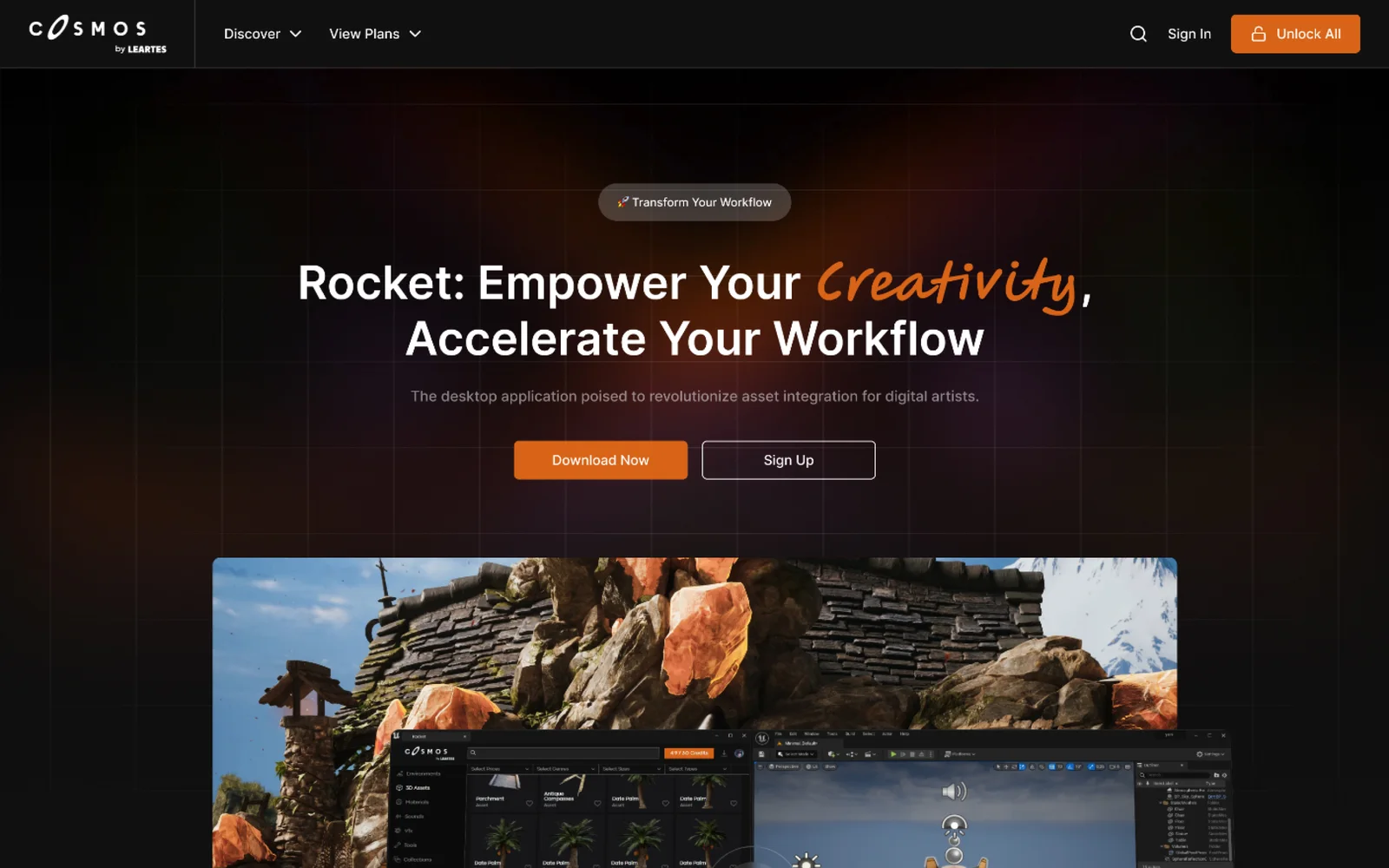
Cosmos is Leartes Studios' marketplace of game-ready environments, 3D assets, materials, sounds and visual effects (VFX), and Rocket is its desktop app that drops those assets straight into a game engine. We designed the Cosmos store interface and the Rocket product site.
Öğrenci Kulüp
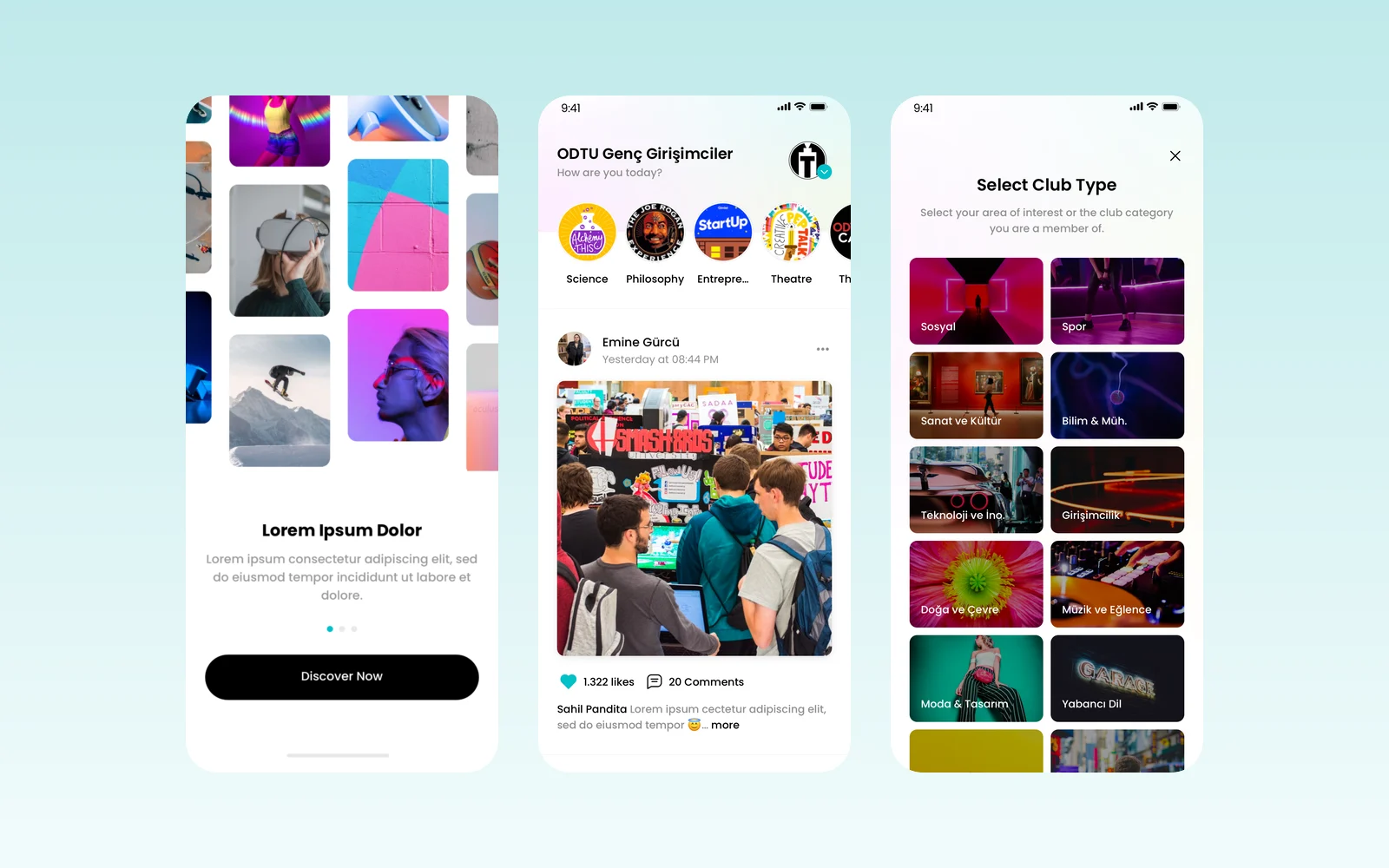
Öğrenci Kulüp is a mobile app for university student clubs: a shared feed, club events and member management in one place. We wrote the v1.0.0 analysis document, which sets out every screen and rule, designed the app in Figma and created its logo.